Checked November 12, 2026 against grammarly.com/plans (US prices). This is a documentation-based comparison, not a hands-on test.
Quick verdict
Grammarly Free fixes basic mistakes, shows your tone and gives you 100 AI prompts a month. That is enough for emails and casual writing.
Grammarly Pro is listed at $12 USD and adds full-sentence rewrites, tone changes, plagiarism and AI-text detection, and 2,000 AI prompts per member each month.
Students handing in graded work and anyone writing for clients get the most from Pro. Everyone else can start free.
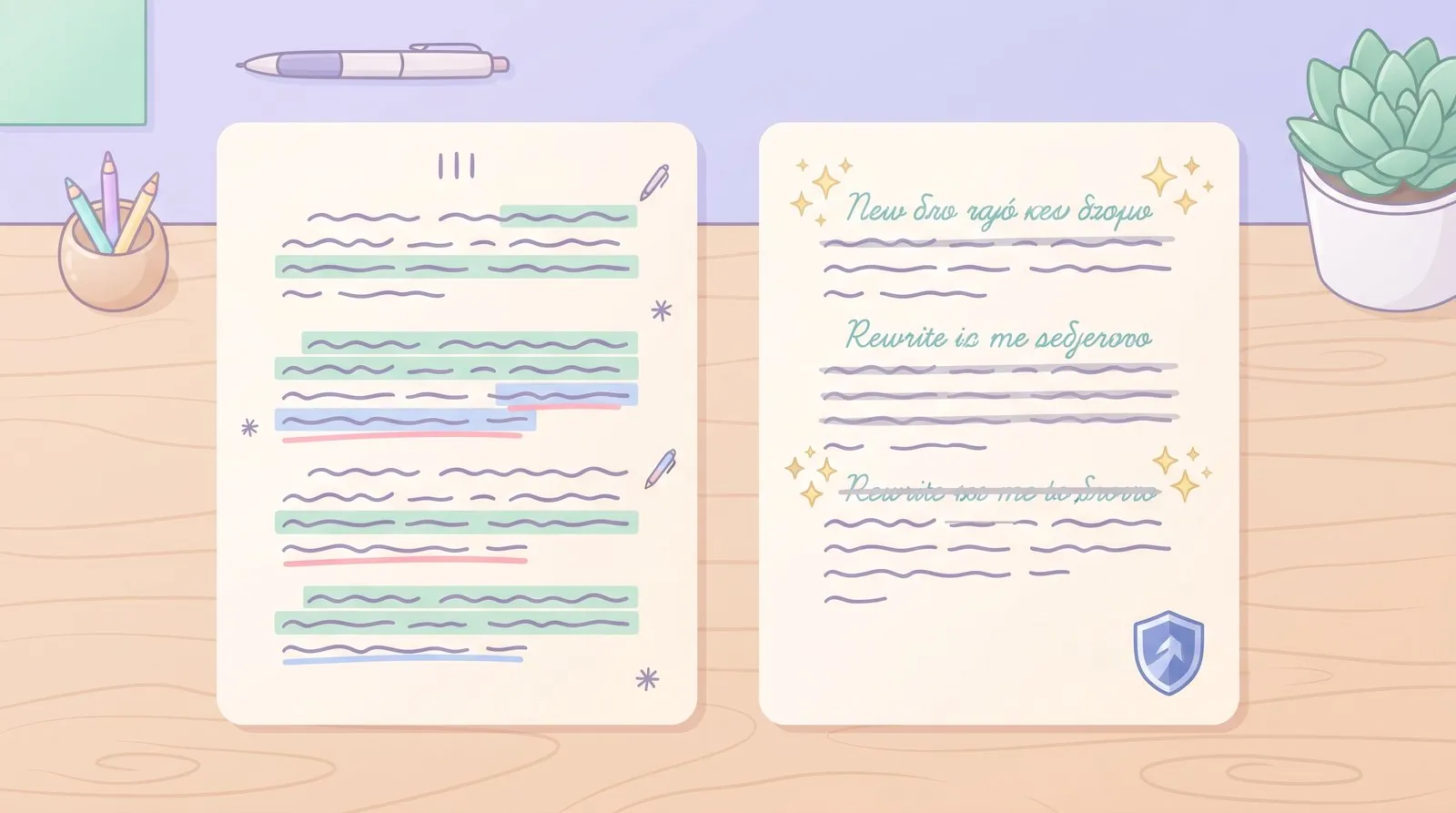
Illustration: AI Tool Audit, created with Google Gemini
On this page
Free vs Pro at a glance
Grammarly's plans page lists three plans: Free, Pro and Enterprise. This comparison is about the first two, which are the ones an individual can buy without talking to sales.
| Feature | Free | Pro |
|---|---|---|
| Price | $0 | $12 USD (annual pricing not shown) |
| Basic mistake correction | Yes | Yes |
| See your tone | Yes | Yes |
| Adjust tone | No | Yes |
| Full-sentence rewrites | No | Yes |
| Fluent English suggestions | No | Yes |
| Inclusive language and citation consistency | No | Yes |
| Accidental plagiarism detection | No | Yes |
| AI-generated text detection | No | Yes |
| AI prompts | 100 per month | 2,000 per member per month |
What Free does well
The free plan covers the job most people first install Grammarly for. It catches spelling, grammar and punctuation errors as you type, and it tells you how your writing sounds. For short emails, messages and social posts, that is often all you need.
Free also gives you 100 AI prompts a month. A prompt is a request to Grammarly's AI, such as asking it to draft a reply or shorten a paragraph. A hundred is about three a day, which is fine for occasional help but tight if you lean on AI for every email.
What Pro adds
Pro changes Grammarly from a spell checker into a rewriting tool. The biggest additions are:
- Full-sentence rewrites. Instead of fixing one word at a time, Pro can suggest a clearer version of a whole sentence.
- Tone adjustment. Free tells you that you sound blunt. Pro helps you change it.
- Fluency suggestions. These help writers who use English as a second language sound more natural.
- Plagiarism and AI-text detection. Pro can flag passages that match other sources and text that looks AI-generated.
- 2,000 AI prompts per member per month, twenty times the free allowance.
The plans page also lists team features under Pro, including account roles, team analytics, snippets, one style guide, one brand tone and up to two user groups. Grammarly describes Pro as for "eligible individuals and teams," so a small team can use it without moving to Enterprise.
Price and trial
The plans page lists Pro at $12 USD. It does not show separate monthly and annual prices, so check the checkout screen to see the exact billing term before you pay. The page offers a trial that shows "$0 payment today" and says you get an email reminder two days before the trial ends. It doesn't state how long the trial lasts.
Grammarly accepts major credit cards and PayPal. Business plans with 10 or more members on annual billing can ask for an invoice.
Already paying for Grammarly Premium?
Some long-time users still have the older Premium plan. Grammarly's FAQ says that switching from Premium to Pro cancels your Premium subscription and gives you a prorated refund for the time left on it. You don't pay twice for the overlap. Before you switch, compare what you use today with the Pro list above, since the plans page now lists Pro rather than Premium.
How to decide in a week
The simplest test is to use Free for a normal week and count two things. First, how often you reach for an AI prompt; if you would pass 100 in a month, Free will feel tight. Second, how often you rewrite whole sentences by hand after Grammarly fixes a typo. If that happens daily, full-sentence rewrites are the Pro feature you will use most. If neither happens much, Free is doing its job.
Where Enterprise fits
Enterprise has no listed price. It adds single sign-on, SCIM, data loss prevention, audit logs, bring-your-own-key encryption and unlimited AI prompts per member. Grammarly also ties proactive AI across tools to Superhuman Go at this level. Unless you run IT for a larger company, you can ignore it.
Which should you choose?
- Stay on Free if you mainly want typos and grammar caught, and you use AI help a few times a week.
- Pick Pro if you are a student who needs plagiarism checks before handing in work, a non-native English writer who wants fluency help, or a freelancer whose writing is the product.
- Pick Pro for a small team if you want shared snippets, a style guide and analytics without an enterprise contract.
- Consider a chatbot instead if you mostly want long drafts written from scratch. Our Grammarly vs ChatGPT for writing guide explains where each is stronger.
For more detail on all three tiers, read our Grammarly plans explainer. If you are comparing writing tools more broadly, see the best AI writing tools and the AI tool price table.
FAQ
Is Grammarly Free good enough?
For basic spelling, grammar and punctuation, yes. Free also shows your tone and includes 100 AI prompts a month. It doesn't rewrite full sentences or check for plagiarism.
How much is Grammarly Pro?
The plans page lists Pro at $12 USD. It doesn't show a separate annual price, so confirm the billing term at checkout.
Does Grammarly Pro check for plagiarism?
Yes. Pro includes accidental plagiarism detection and AI-generated text detection. Neither is part of the free plan.
Is there a Grammarly Pro free trial?
Yes. The plans page shows a Pro trial with $0 due today and an email reminder two days before it ends. The trial length isn't stated on the page.
Sources
- Grammarly plans (checked November 12, 2026)