Checked November 12, 2026 against github.com/google-gemini/gemini-cli, developers.googleblog.com and antigravity.google docs. This is a documentation-based explainer, not a hands-on test.
Quick verdict
Personal accounts: free individual access and Google AI Pro and Ultra moved to Antigravity CLI (the agy command) on June 18, 2026. Gemini CLI no longer serves those requests.
Companies: Gemini CLI is now maintained for Gemini Code Assist Standard and Enterprise on Google Cloud. Those customers keep access.
API key users: Gemini CLI still works with paid Gemini API keys.
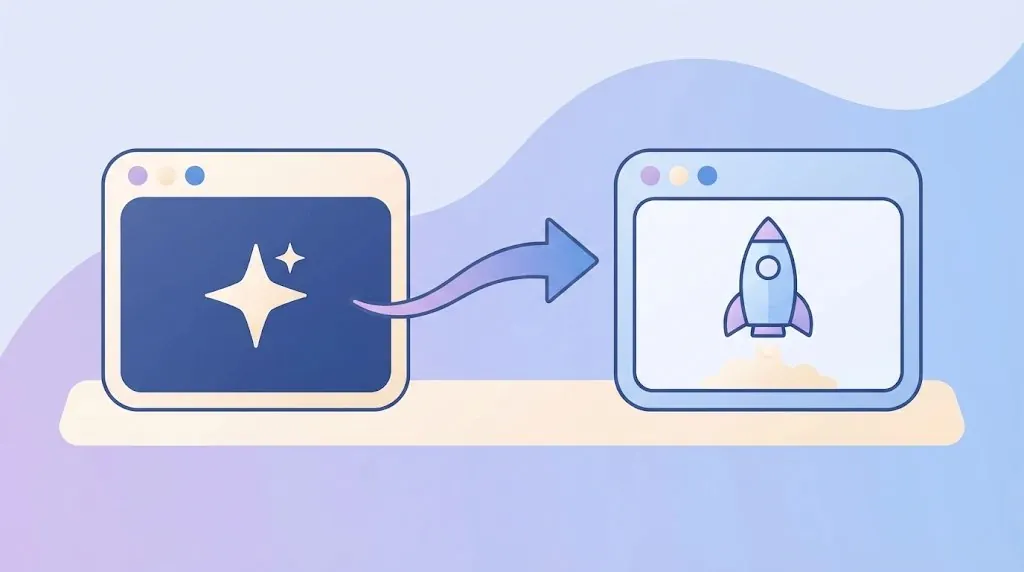
Illustration: AI Tool Audit, created with Google Gemini
On this page
What Gemini CLI is
Gemini CLI is an open-source AI agent that runs in your terminal. You type the command gemini, and it can read and edit your codebase, debug problems, build apps from PDFs, images or sketches, and run automation tasks. It supports MCP servers for extra tools, and it can run non-interactively inside scripts. The code is on GitHub under the Apache 2.0 license.
You can install it with npm (or run it without installing via npx @google/gemini-cli), Homebrew, MacPorts or Anaconda. New stable builds ship weekly, with preview and nightly channels for people who want changes sooner.
The June 18, 2026 change
On May 19, 2026, Google announced on its Developers Blog that it was moving individual users from Gemini CLI to a new tool, Antigravity CLI. It made Antigravity CLI available to everyone that day.
From June 18, 2026, Gemini CLI and the Gemini Code Assist IDE extensions stopped serving requests for consumer users. That covers:
- Google AI Pro and Ultra subscribers
- People using Gemini Code Assist for individuals at no charge
The project's README now puts it simply: free individual access and Google AI Pro and Ultra "moved to Antigravity CLI on June 18, 2026." Gemini Code Assist for GitHub also stopped taking new installs on GitHub organizations that day. Our Gemini Code Assist shutdown guide covers the IDE side.
Who can still use Gemini CLI
| Account type | Gemini CLI after June 18, 2026 | Where to go |
|---|---|---|
| Free personal Google account | No longer served | Antigravity CLI |
| Google AI Pro or Ultra | No longer served | Antigravity CLI |
| Gemini Code Assist Standard or Enterprise | Unchanged | Keep using Gemini CLI |
| Code Assist for GitHub via Google Cloud | Unchanged | Keep using Gemini CLI |
| Paid Gemini API key | Still works | Either tool |
The README now describes Gemini CLI as designed for Code Assist Standard and Enterprise licenses. It also says the tool is "not optimized for Gemini 4+" and asks people not to use it to benchmark Gemini models. For Gemini 4 Argon and later, it points to Antigravity CLI.
Signing in to Gemini CLI today
The README lists three ways to authenticate:
- Sign in with Google. For paid Code Assist licenses, you set your Google Cloud project.
- Gemini API key. A key from Google AI Studio, with usage-based billing and your choice of model.
- Vertex AI. For enterprise and production work on Google Cloud.
The README doesn't list free-tier request quotas, so we can't give you numbers there.
What Antigravity CLI is
Antigravity CLI is the terminal side of Google Antigravity, Google's agent-first development platform. Antigravity 2.0 is its desktop app, and the CLI shares the same agent harness. Google says the CLI is built in Go and can run several agents in the background, so long tasks don't block your terminal.
It keeps Gemini CLI's main building blocks: Agent Skills, Hooks, Subagents and Extensions. Extensions are now called plugins. The command is agy.
Antigravity's docs list three ways in: a personal Google account on the Free, Pro or Ultra plan; a business account with a Gemini Enterprise license; or a Gemini API key from Google AI Studio.
How to move from Gemini CLI to agy
Antigravity's migration guide makes the switch fairly painless:
- Install Antigravity CLI using the steps in Antigravity's Quickstart.
- Launch
agy. If it finds old Gemini CLI settings, it shows a checklist of what to bring over. Sign-in tokens move into your system keyring. - Convert extensions with
agy plugin import gemini. It converts skills, agents, commands and MCP server definitions. - Check your context files.
GEMINI.mdandAGENTS.mdkeep working without changes. - Move workspace skills from
.gemini/skills/to.agents/skills/. This one is manual. - Move MCP servers out of
settings.jsoninto a separatemcp_config.json. For remote servers, renameurlorhttpUrltoserverUrl.
Custom terminal themes and some experimental visual settings may not carry over.
Release channels, if you stay on Gemini CLI
Teams that keep Gemini CLI should know how updates land. The README lists three channels:
- Stable (tag
latest): weekly, on Tuesdays, promoting the previous week's preview. - Preview (tag
preview): weekly, on Tuesdays. The README warns it may contain regressions. - Nightly (tag
nightly): daily builds that are still being validated.
For shared build machines, pin the stable channel so a weekly change doesn't surprise the team.
Which should you use?
- Personal account, free or paid: use Antigravity CLI. Gemini CLI won't serve your requests.
- Company on Code Assist Standard or Enterprise: stay on Gemini CLI for now. Google says your access is unchanged.
- Scripts on a paid API key: Gemini CLI still works, but plan to test
agy, since Google points newer models there. - Still choosing a coding agent: compare the field in Claude Code vs Codex CLI vs Gemini CLI and our best AI coding tools guide.
For subscription prices across tools, see the AI tool price table.
FAQ
Is Gemini CLI shut down?
Not fully. It stopped serving free individual users and Google AI Pro and Ultra subscribers on June 18, 2026. Code Assist Standard and Enterprise customers and paid API key users can still use it.
What replaced Gemini CLI?
Antigravity CLI, which you run with the agy command. Google made it available to everyone on May 19, 2026.
Can I keep my Gemini CLI extensions?
Yes. Run agy plugin import gemini to convert them into Antigravity plugins, including their skills, commands and MCP servers.
Is Gemini CLI still open source?
Yes. The repository on GitHub is under the Apache 2.0 license. Google's announcement doesn't say whether Antigravity CLI is open source.
Sources
- Gemini CLI on GitHub (checked November 12, 2026)
- Google Developers Blog: Transitioning Gemini CLI to Antigravity CLI (checked November 12, 2026)
- Antigravity docs: Gemini CLI migration (checked November 12, 2026)
- Antigravity docs: Installation and auth (checked November 12, 2026)