Checked November 12, 2026 against support.google.com/gemini and gemini.google (US prices). This is a documentation-based explainer, not a hands-on test.
Quick verdict
What it is: Gemini Live is the spoken, back-and-forth mode of the Gemini mobile app. You talk, interrupt, change topics, and can show Gemini your camera or screen.
Cost: Google lists Gemini Live in the free plan. Paid plans raise overall Gemini usage limits: Google AI Plus $4.99/month, Pro $19.99/month, Ultra from $99.99/month.
Where it works: the Gemini app on phones and tablets. Google's help page says it isn't in the Gemini web app.
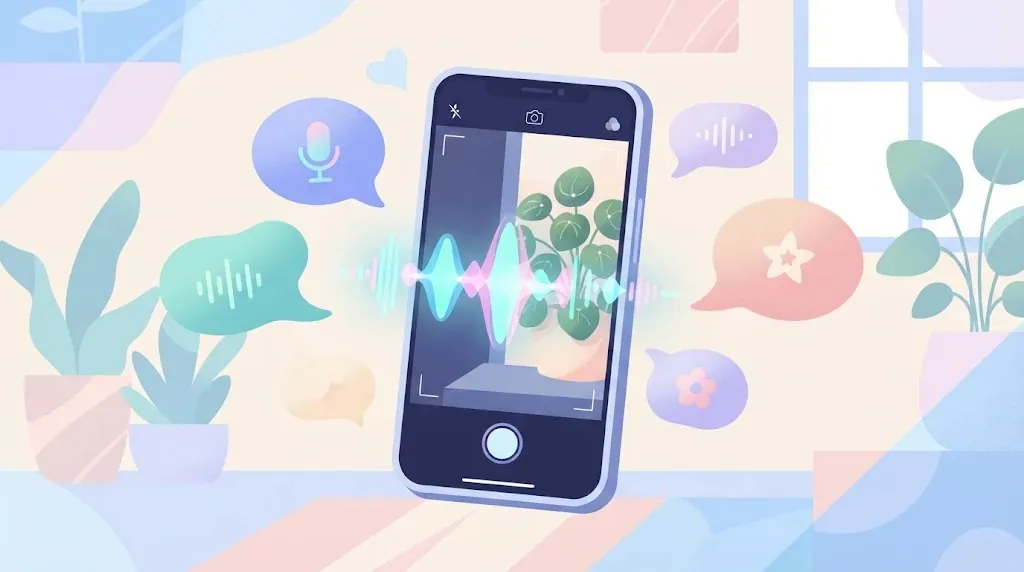
Illustration: AI Tool Audit, created with Google Gemini
On this page
What Gemini Live does
Normal Gemini chats are typed, or you speak one request at a time. Gemini Live is a running conversation. Google's overview page says you can interrupt or change the subject whenever you like. You can switch between talking and typing in the same chat, and Live can show cards for maps, weather and photos while you talk.
When you end a Live chat, the session closes and you get a transcript. You can later resume a previous Live chat from your history.
How to start a Live chat
On Android, Google's help page lists three ways:
- Open the Gemini app and tap Live.
- Swipe left in the Gemini app.
- Say "Hey Google, let's talk Live."
You need to be signed in with a personal Google account, or a work or school account with Gemini access. You must be 13 or older, or the minimum age in your country. Live also runs on iPhone and iPad through the Gemini app.
Camera and screen sharing
Live can see as well as listen:
- Camera: turn it on to show Gemini what's in front of you, and switch between front and rear cameras. Sharing stops if Live is put on hold, you leave the app, or the screen locks.
- Screen sharing: share your full screen to ask about what's on it. Live notifications must be on. Sharing stops when Live is on hold or the screen locks, and it doesn't resume on its own.
- Guided Vision: on Android, a setting called "Use Guided Vision in Live" adds audio descriptions while you share your camera. Google says it can help read small text, identify colors or find objects, and is rolling out slowly.
Treat sharing like a video call: close private apps first, because screen sharing shows everything on screen.
Connected apps
Google's help page lists apps Live can use, including Google Calendar, Keep, Tasks, Google Home, YouTube and Spotify. On a personal account, you connect apps in settings first. Google Maps public information is used automatically. On work or school accounts, an admin must turn apps on, and only Calendar, Keep and Tasks work in Live today.
Google's overview page also mentions Gmail and Drive, smart home devices and phone settings. Features roll out gradually, so the list on your phone may differ.
Limits to know
| Limit | What Google says |
|---|---|
| Where it runs | Gemini mobile app; not the Gemini web app or Gemini in Google Messages |
| Gems | Can't be used in Live |
| Lock screen | Can't start Live on a locked phone; it continues after locking only if "Gemini on lock screen" is on |
| Background use | Live keeps running while you use other apps, but you can't undo actions while it's in the background |
| Interrupting | On by default; you can turn it off and tap to interrupt instead |
| Languages | The mobile app doesn't support Farsi; personalization is English in the US only |
You can change Gemini's voice in settings under "Gemini's Voice." That choice applies across Gemini, and isn't offered in some languages.
Is Gemini Live free?
Yes. Google's subscriptions page lists Gemini Live among the features in the free Gemini plan. Paid Google AI plans don't list a separate Live-only perk. Instead, they raise overall Gemini usage:
| Plan | US price | Gemini usage vs Free |
|---|---|---|
| Free | $0 | Base limits |
| Google AI Plus | $4.99/month | 2x Free |
| Google AI Pro | $19.99/month | 4x Free |
| Google AI Ultra | From $99.99/month | Up to 20x Pro |
Google says usage limits depend on prompt complexity, features used and chat length, and refresh every 5 hours up to a weekly cap. It doesn't say whether Live has its own separate limit. See our Gemini plans explainer for everything else each tier includes.
Privacy basics
Ending a Live chat gives you a transcript, and you can resume past Live chats, so treat them as part of your Gemini history. If you share your camera or screen, Gemini sees whatever is in view. Our guide to opting out of AI training covers Gemini's activity settings.
Who should use Gemini Live?
- Hands-busy tasks: cooking, fixing something, or walking while you think out loud.
- "What is this?" moments: point the camera at a plant, a label or a device error.
- Practice: rehearsing an interview or a talk with live feedback.
- Not ideal for: desktop work, since Live isn't on the web app, or tasks that need Gems.
Comparing assistants? Read Claude vs Gemini plans and check the AI tool price table.
FAQ
Is Gemini Live free?
Yes. Google lists Gemini Live in the free Gemini plan. Paid Google AI plans raise overall usage limits.
Can Gemini Live see my screen?
Yes. In the mobile app you can share your camera or your full screen. Screen sharing needs Live notifications turned on.
Does Gemini Live work on the web?
No. Google's help page says Live isn't available in the Gemini web app. Use the Gemini app on a phone or tablet.
Can I use Gems with Gemini Live?
No. Google says Gems can't be used with Live. Close the voice screen to use them.
Sources
- Gemini Apps Help: Talk naturally with Gemini Live (checked November 12, 2026)
- Gemini Apps Help: Guided Vision in Gemini Live (checked November 12, 2026)
- Gemini Live overview (checked November 12, 2026)
- Gemini subscriptions (checked November 12, 2026)