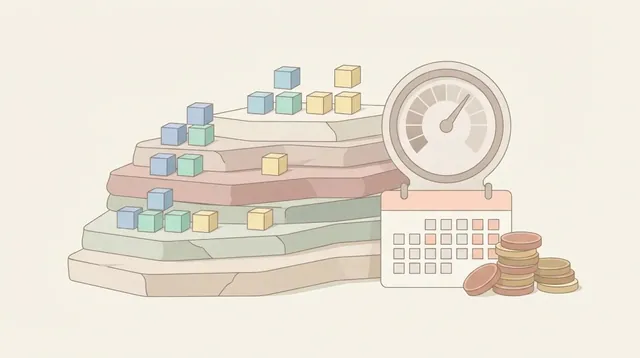
Checked November 12, 2026 against the OpenAI and Anthropic (Claude) API documentation. This is a documentation-based explainer, not a hands-on test.
Quick verdict
What it does: prompt caching lets the API reuse the start of a prompt it has already processed, so repeated text costs a fraction of normal input price.
The savings: cached reads cost 0.1x the normal input rate on most models from both OpenAI and Anthropic, and less on some newer ones.
The catch: the cached part must match exactly, and on newer models you pay a bit extra to write it the first time.
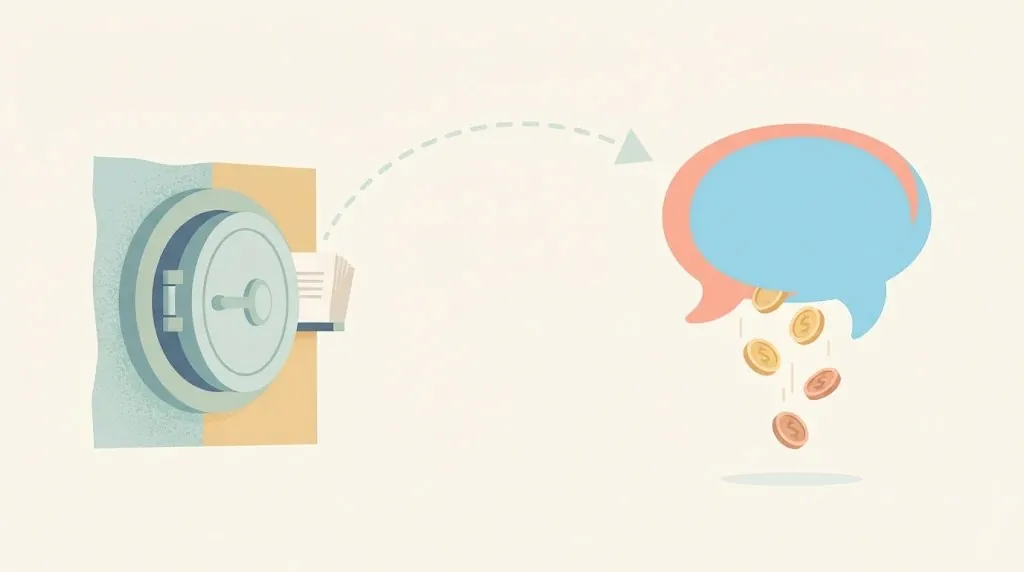
Illustration: AI Tool Audit, created with Google Gemini
On this page
The idea in one paragraph
Many API apps send the same long text on every call: a system prompt, a set of tool definitions, a policy document, a code file. Without caching, you pay full input price for that text every single time. With caching, the provider stores the processed start of the prompt (the "prefix"). If the next request begins with the exact same prefix, the provider picks up from there. You pay a small read fee for the cached part and normal price only for the new text after it. Caching does not change the model's answer, only the cost and speed.
OpenAI vs Anthropic at a glance
| OpenAI | Anthropic (Claude) | |
|---|---|---|
| Turned on by default? | Yes, for supported models | No: add cache_control (one top-level field enables automatic mode) |
| Cache read price | 0.1x input; 0.05x on GPT-6.1 Sol and Terra | 0.1x input by default; 0.05x on Opus 5.5 and Sonnet 5.5; 0.025x on Fable and Mythos 5.1/5.2 |
| Cache write price | GPT-5.6+: 1.25x (30-minute) or 2.5x (12-hour) | 1.25x (5-minute) or 2x (1-hour) |
| Default lifetime | GPT-5.6+: 30 minutes; earlier models: in-memory or 24h retention | 5 minutes, refreshed free on each hit |
| Minimum prefix | 1,024 visible input tokens on GPT-5.6+ | 512 to 4,096 tokens, depending on model |
| Usage field to watch | cached_tokens | cache_read_input_tokens |
How Anthropic's caching works
On the Claude API, you mark where the reusable part ends. You can add a single top-level cache_control field for automatic caching, which moves the breakpoint forward as a conversation grows. Or you can place up to four explicit breakpoints on individual content blocks. The cache covers tools first, then the system prompt, then messages, up to the marked block.
Pricing. A 5-minute cache write costs 1.25x the base input price. A 1-hour write costs 2x. Reads cost 0.1x by default, with lower rates on some newer models. Anthropic's own example uses Opus 5.5 at $4 per million input tokens: a 5-minute write is $5, a 1-hour write is $8 and a read is $0.20 per million tokens.
Minimums. Prompts shorter than the model's minimum are processed without caching, and no error appears. The minimum is 512 tokens on the newest models and up to 4,096 on some older ones, such as Haiku 4.5.
What breaks a hit. Changing tool definitions invalidates everything. Turning web search on or off invalidates the system prompt and messages. Changing tool_choice or adding images invalidates the messages part. Anthropic's docs also warn against putting the breakpoint on a block with a timestamp.
How OpenAI's caching works
OpenAI caches automatically on supported models, so you get savings without code changes. On GPT-5.6 and later, a prefix must be at least 1,024 visible input tokens, and you can set explicit breakpoints if you want more control. The default cache lifetime is 30 minutes, or 12 hours if you choose that option in the Responses API.
Writes on GPT-5.6 and later cost 1.25x for 30 minutes or 2.5x for 12 hours. Earlier models use a retention setting of in-memory or 24 hours instead. OpenAI also offers a prompt_cache_key. Before GPT-5.6 it helps route related requests to the same cache; on newer models it mainly separates cache accounting by customer.
A worked example
Say your support bot sends a 20,000-token help guide with every question, and a model charges $4 per million input tokens. Without caching, each call spends $0.08 on that guide. With a 0.1x cache read, the same 20,000 tokens cost $0.008 after the first call. The first call pays a little more (1.25x, or $0.10) to write the cache. From the second call on, you save about 90% on that block. Over thousands of calls, that adds up fast.
How to get more cache hits
- Put static content first. Instructions, tools and reference documents go at the top; the user's question goes last.
- Don't rewrite history. Append new messages instead of editing earlier ones.
- Keep tool lists stable. Restrict tools per call with
tool_choicerather than adding and removing definitions. - Pick the right lifetime. If requests come minutes apart, the short lifetime is cheapest. If they are spread out, the longer write costs more once but may save many misses.
- Check the usage fields. If both cache fields read zero on Claude, your prompt was probably under the minimum.
Caching and batch together
Caching stacks with batch discounts on Anthropic, though hits inside a batch are best-effort. We cover that in our Batch API discounts explainer. For base token prices, see our OpenAI API pricing and Anthropic API pricing guides, or the AI tool price table. For Google's token prices, see our Gemini API pricing guide.
FAQ
Does prompt caching change the model's answers?
No. Anthropic's documentation says caching does not change the output. It only changes how the repeated prefix is billed and processed.
Is OpenAI prompt caching automatic?
Yes. OpenAI says caching is enabled by default for supported models. On GPT-5.6 and later you can also set explicit breakpoints.
How long does a Claude cache last?
Five minutes by default, refreshed at no cost each time it is used. You can pay more to write a 1-hour cache instead.
Why am I not getting cache hits?
Common causes are a prompt below the minimum length, changing text inside the cached prefix, edited tool definitions, or waiting longer than the cache lifetime between calls.
Sources
- Anthropic: Prompt caching (checked November 12, 2026)
- OpenAI: Prompt caching guide (checked November 12, 2026)