Checked November 12, 2026 against descript.com/pricing (US prices). This is a documentation-based explainer, not a hands-on test.
Quick verdict
Trying it out: Free gives you 1 media hour a month and 100 one-time AI credits, but exports are 720p with a watermark.
Most solo podcasters and YouTubers: Creator ($24 per person per month on annual billing) adds 4K export, 30 media hours and 800 AI credits a month.
Small teams that need dubbing or a shared brand kit: Business ($50 per person per month on annual billing) adds Brand Studio, translation and dubbing, and priority support.
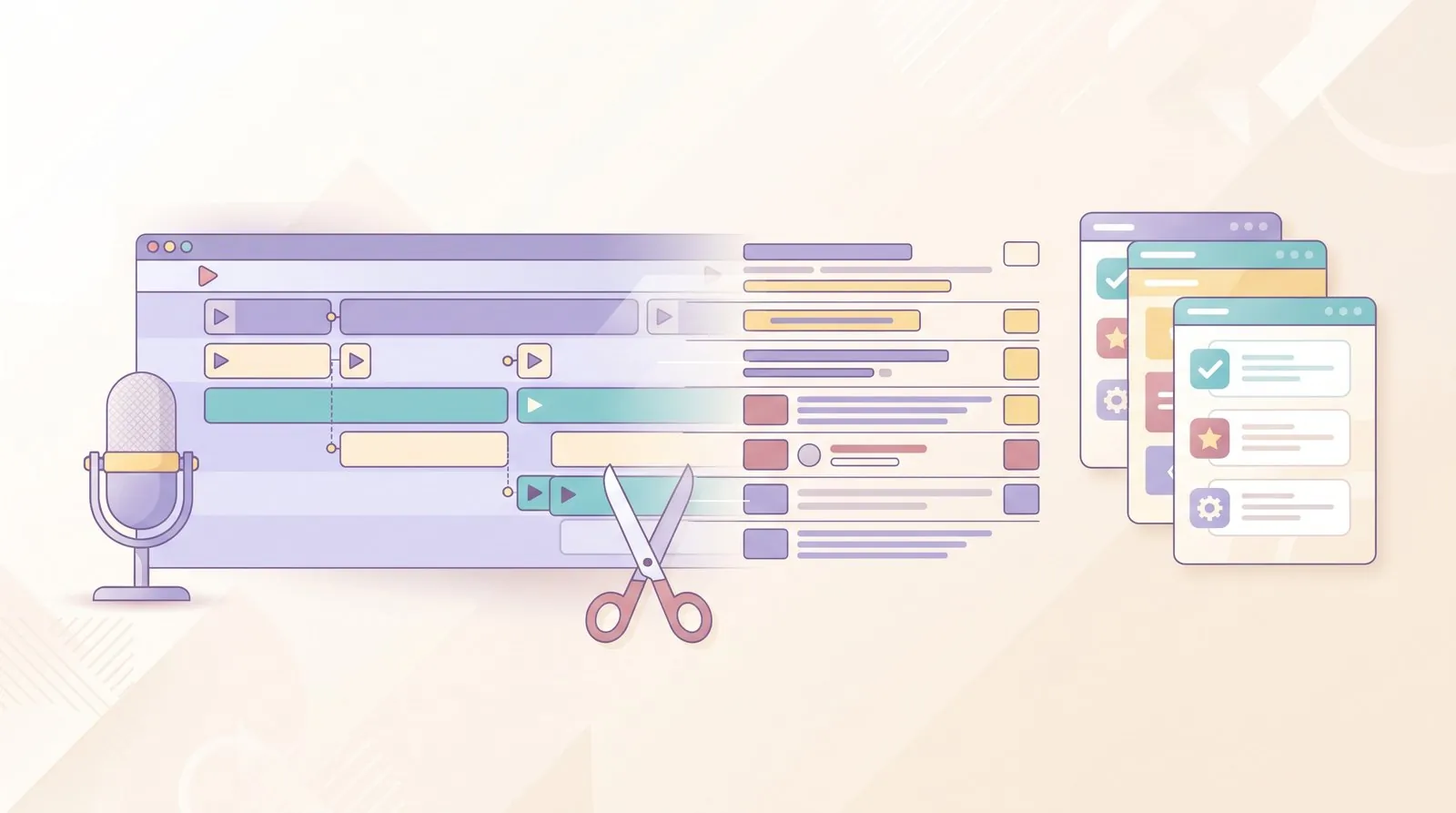
Illustration: AI Tool Audit, created with Google Gemini
On this page
What Descript is
Descript is an audio and video editor where you edit the transcript and the media follows. Delete a sentence in the text and it disappears from the recording. The pricing page lists text-based editing and transcription in 25 languages on every plan, including Free. Paid plans add AI tools such as the Underlord co-editor, Studio Sound, filler-word removal, clip creation and AI voices.
Descript plans at a glance
Descript shows two prices for each paid plan. The page says annual billing saves up to 35% over monthly, so the lower figure in each pair is the annual rate. Prices are per person.
| Plan | Price per person/month (annual / monthly) | Media hours/month | AI credits | Export quality | Storage |
|---|---|---|---|---|---|
| Free | $0 | 1 | 100 (one-time) | 720p, watermark | 5 GB |
| Hobbyist | $16 / $24 | 10 | 400 per month | 1080p, no watermark | 100 GB |
| Creator | $24 / $35 | 30 | 800 per month | 4K, no watermark | 1 TB |
| Business | $50 / $65 | 40 | 1,500 per month | 4K, no watermark | 2 TB |
| Enterprise | Custom | Custom | Custom | Custom | Custom |
Two limits work side by side. Media hours cover how much audio or video you bring in and work on. AI credits are spent when you use AI features. Running out of either one can stop you, so check both before you pick a tier.
Free: good for a test, not for publishing
Free includes one media hour a month, 100 AI credits that do not refresh, 5 GB of storage and a 1 GB upload limit per file. You get unlimited projects and a trial of the AI tools. The catch is output: exports and web links top out at 720p and carry a watermark. Free is fine for learning the editor. It is not a plan you would publish a show from.
Hobbyist: the cheapest clean export
Hobbyist costs $16 per person per month on annual billing or $24 monthly. It removes the watermark, raises export to 1080p and gives 10 media hours and 400 AI credits each month. Storage jumps to 100 GB, and uploads can be up to 10 GB.
This is also where the main AI tools unlock: Underlord, Studio Sound, Remove Filler Words, Create Clips, AI speech with voice clones and video regenerate. Live chat support starts here too. Hobbyist suits someone who publishes a short weekly show or a few videos a month.
Creator: the plan Descript marks most popular
Creator costs $24 per person per month on annual billing or $35 monthly. It triples the media hours to 30 and doubles AI credits to 800 a month. It adds:
- 4K export, both for local files and web links
- Web links up to 3 hours long (1 hour on lower plans)
- Video generation with newer AI models
- Unlimited access to the royalty-free stock library
- Advanced media formats such as Apple ProRes
- 1 TB of storage and 20 GB uploads
The page lists Creator for teams of up to 3 people, each billed separately. If you film in 4K or edit long interviews every week, Creator is the natural fit.
Business: dubbing, brand kits and support
Business costs $50 per person per month on annual billing or $65 monthly, for teams of up to 5. Media hours rise only a little, to 40, but AI credits nearly double to 1,500 a month. Storage is 2 TB and uploads can be up to 50 GB.
The real reasons to pay for Business are features, not hours: a team-wide Brand Studio, translation and dubbing with proofreading in 30+ languages, custom avatars, and priority support with an SLA. If your team needs videos in several languages, this is the tier that includes it.
Enterprise
Enterprise has custom pricing through sales. It adds custom AI credits and media minutes, SSO and SCIM, audit logs, custom legal terms and flexible billing.
Recording in Descript
Descript also records. The pricing page lists recording hours alongside media hours: 2 on Free, then 5, 15 and 25 hours a month on Hobbyist, Creator and Business. Paid plans also include room control producers (3 on Hobbyist and Creator, 10 on Business). If remote recording is your main need, see our AI video tools roundup and our Descript vs Riverside comparison.
Which Descript plan should you choose?
- Choose Free to learn text-based editing before you pay.
- Choose Hobbyist if 1080p is enough and you edit under 10 hours of media a month.
- Choose Creator if you need 4K, longer web links, stock media or more than 10 hours a month.
- Choose Business if you need dubbing, a shared brand kit or SLA support for up to 5 people.
- Ask sales about Enterprise for SSO, SCIM or audit logs.
Pay annually if you edit all year; monthly billing costs more but lets you stop after a project. For other creative tools, see our Runway plans explainer, ElevenLabs pricing explainer and the AI tool price table.
FAQ
Is Descript free?
Yes. The Free plan includes 1 media hour a month, 100 one-time AI credits and 5 GB of storage, but exports are 720p with a watermark.
How much does Descript Creator cost?
Creator is listed at $24 per person per month on annual billing or $35 per month on monthly billing.
Which Descript plan removes the watermark?
Every paid plan. Hobbyist, Creator and Business all export without a watermark.
Does Descript export in 4K?
Yes, on Creator and Business. Hobbyist exports up to 1080p, and Free up to 720p.
Sources
- Descript pricing (checked November 12, 2026)