Checked November 12, 2026 against help.openai.com, chatgpt.com/pricing, support.claude.com and support.google.com/gemini. This is a documentation-based explainer, not a hands-on test.
Quick verdict
All three remember you now. Each can carry facts and past chats into new conversations, and each lets you switch that off.
Claude gives the most detailed controls on its help page: memory saved as topics you can edit, separate project memory, and a pause or reset option.
Gemini ties memory to Keep Activity and a personal Google Account, and you must be 18 or over.
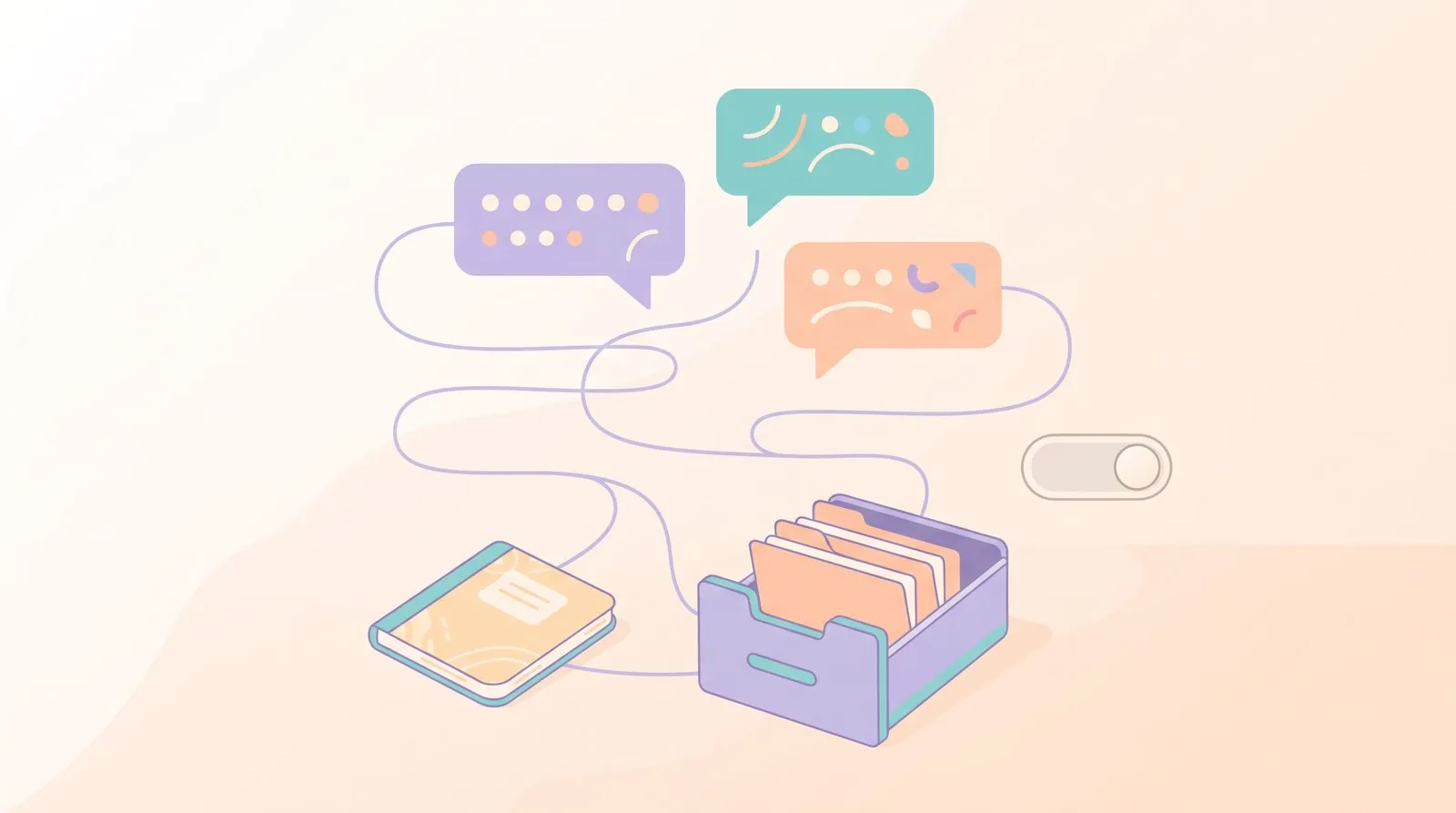
Illustration: AI Tool Audit, created with Google Gemini
On this page
What "memory" means in a chatbot
Memory lets an assistant keep facts about you or look back at earlier chats, so you don't repeat yourself. It mixes two ideas:
- Saved facts: things you ask it to remember, or things it picks up, such as "I'm vegetarian."
- Past chats: the assistant searching or drawing on your earlier conversations.
Whether your chats train models is a separate question; see our guide to opting out of AI training.
At a glance
| ChatGPT | Claude | Gemini | |
|---|---|---|---|
| Memory on free plan | "Limited" | Yes, on by default | Past-chat memory for eligible personal accounts; saved info needs a Google AI plan |
| Uses past chats | Free limited; Plus and Pro expanded | Chat search on paid plans only | Yes, needs Keep Activity on |
| Separate memory per project | Not confirmed today | Yes | Not described |
| Chat that skips memory | Not confirmed today | Incognito chat, or memory off per chat | Not described on these pages |
| Age or account rules | Not confirmed today | Team/Enterprise owners control it | 18+, personal Google Account |
ChatGPT
OpenAI's pricing page lists memory on every consumer plan, at different levels. Free shows "limited memory and context." Go shows longer memory. Plus shows "expanded memory and context," and Pro shows "maximum memory and context." The comparison table also has a row for memory with past chats: limited on Free, yes on Go, expanded on Plus and Pro. A row for memory sources is marked yes on all four plans.
What it can use: OpenAI's Memory help page says that, depending on plan and region, ChatGPT can draw on past chats, saved memories, custom instructions, files saved in Library or Space, and connected apps such as Gmail. It doesn't keep every detail; it picks what seems relevant.
Where the controls are: Settings → Personalization → Memory. Depending on your account you'll see options such as Reference saved memories, Reference chat history, a Memory summary and Manage. You can also ask ChatGPT what it remembers about you.
Deleting it: turning Memory off doesn't delete your past chats. Saved memories are stored separately from chats, so deleting a chat doesn't remove a memory made from it: delete both. If you turn off Reference chat history, OpenAI says information remembered from past chats is scheduled for deletion within 30 days, and logs of deleted saved memories may be kept for up to 30 days for safety and debugging. Temporary chats don't create or update memories. Our ChatGPT plans explainer covers the plans themselves.
Claude
Who gets it: memory is on by default for Free, Pro, Max and Ultra on the web, desktop and mobile apps. Chat search, where Claude looks back through past chats, is for paid plans only: Pro, Max, Ultra, Team and Enterprise.
How it works: Claude saves memory as individual topics while you chat, rather than summarizing a chat after it ends. You can also just tell it to remember something. Sensitive topics such as health, politics or religion are not saved by default; you can opt in under Settings.
Projects: each project has its own memory. Inside a project, Claude uses that project's memory plus your general memory, but not other projects' memory. To wall a project off completely, turn off "Use account memory" on the project page. Deleting a project deletes its memory.
View and edit: go to Settings, then Your Claude, and select Manage next to Your memory. You can read, edit or delete each topic, or ask Claude in a chat to change or forget something.
Turn it off: in Settings, then Your Claude, switch off "Generate memory from chats." You can pause, which keeps memory but stops using it, or reset, which permanently deletes all memory, including project memory. For one chat, click "+" before your first message and turn Memory off. Or use an incognito chat (the ghost icon), which is not saved to memory or history. Chat search has its own switch: "Search and reference chats."
Teams: on Team and Enterprise, owners turn memory on or off for the organization but cannot read members' memories. Claude also offers an experimental import and export of memory to move between assistants. See our Claude plans explainer for plan details.
Gemini
Google splits memory into a few parts, all under Personal Intelligence in Gemini's settings.
Memory of past chats: Gemini can learn from your chats to personalize answers. You must be 18 or over, use a personal Google Account (not work, school or supervised), and have Keep Activity on. It works in the Gemini app, gemini.google.com, Gemini in Chrome where available, and on smartwatches, but not in Gems or Live chats. Turn it on or off under Menu, Settings, Personal Intelligence, Memory.
Saved info: you can tell Gemini, "Remember that I am vegetarian," and it will use that later. Google lists extra requirements: a Google AI plan, and for now the US only. Saved items last up to 18 months.
Instructions for Gemini: standing rules for every chat, like "start with a short summary." Anyone can add these, even without memory.
Deleting: to make Gemini forget something from past chats, delete the chats that contain it in Gemini Apps Activity. Google notes a deleted chat may still be used for a short time. Asking Gemini to forget a topic doesn't always work. If a connected app supplied the info, you must both delete the chats and disconnect the app. You can ask, "Did you use any info from past chats?" Our Gemini plans explainer covers Google AI plans.
Which approach suits you?
- You want fine control: Claude's topic list, project walls and pause option are the most detailed on paper.
- You live in Google's apps: Gemini's memory links with your Google activity, but read the Keep Activity trade-off first.
- You want memory off for one sensitive chat: Claude offers incognito and per-chat switches. On any assistant, check settings before you share health or money details.
Comparing the assistants more broadly? See our ChatGPT vs Claude vs Gemini vs Grok plans comparison and the AI tool price table.
FAQ
Does Claude have memory on the free plan?
Yes. Memory is on by default for Free, Pro, Max and Ultra. Searching past chats is limited to paid plans.
How do I delete what Claude remembers?
Go to Settings, Your Claude, then Manage next to Your memory to edit or delete topics, or reset memory to delete everything permanently.
Why can't I turn on Gemini memory?
Google requires you to be 18 or over, use a personal Google Account and keep Keep Activity on. Saved info also needs a Google AI plan and is US-only for now.
Does ChatGPT Free have memory?
OpenAI's pricing page lists limited memory and limited memory with past chats on Free, with expanded memory on Plus and Pro.
Sources
- Claude Help: Use Claude's chat search and memory (checked November 12, 2026)
- Gemini Apps Help: Memory of your past Gemini chats (checked November 12, 2026)
- Gemini Apps Help: Manage what Gemini remembers about you (checked November 12, 2026)
- ChatGPT pricing and OpenAI: Memory in ChatGPT (checked November 12, 2026)