Checked November 12, 2026 against slack.com/pricing and the Slack Help Center (US prices). This is a documentation-based explainer, not a hands-on test.
Quick verdict
Small teams that want summaries: Pro includes thread summaries and huddle notes for $7.25 per user per month billed annually ($8.75 monthly).
Teams that want the full AI set: Business+ adds daily recaps, file summaries, AI search and ongoing Slackbot access, at $15 per user per month billed annually ($18 monthly).
Heavy Slackbot users: only Enterprise+ lists unlimited Slackbot. Pricing is through sales.
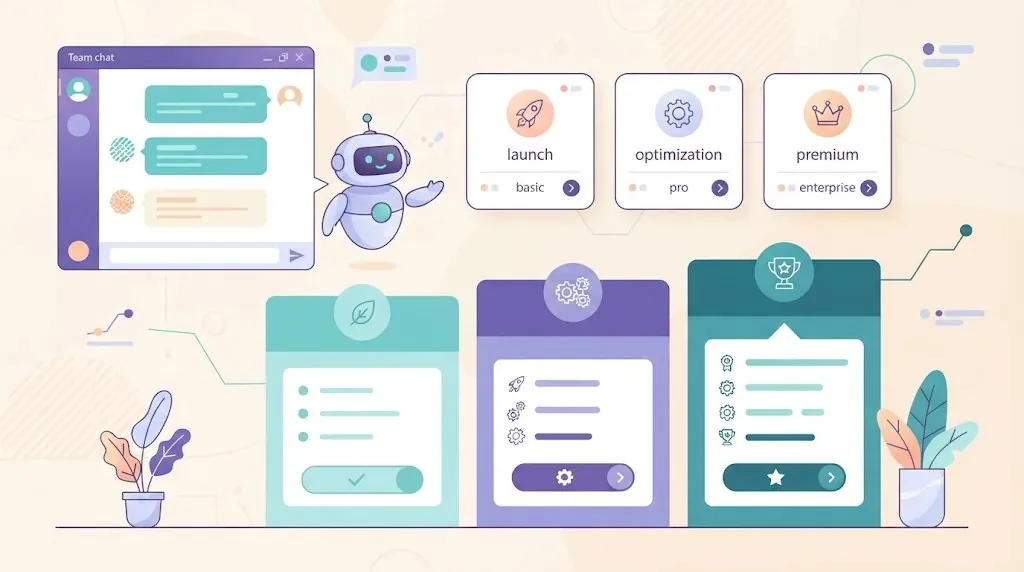
Illustration: AI Tool Audit, created with Google Gemini
On this page
Slack AI is now part of the plans
Slack's pricing page lists its AI features inside each plan, not as one bundle. Moving up a plan adds more AI tools, and the Slackbot AI agent has its own limits on each plan. Slack's help center still mentions a Slack AI add-on, but only for older Enterprise Select and Enterprise Grid plans.
Prices and AI features by plan
| Plan | Annual billing (per user/month) | Monthly billing | Main AI features | Slackbot |
|---|---|---|---|---|
| Free | $0 | $0 | None of the AI summaries listed | Trial or preview only |
| Pro | $7.25 | $8.75 | Thread and conversation summaries, huddle notes, AI assistant apps | Trial or preview only |
| Business+ | $15 | $18 | Pro features plus daily recaps, file summaries, AI search, AI in workflows and canvases, translations | 15 messages per member per week |
| Enterprise+ | Contact sales | Contact sales | Business+ features plus enterprise search | No weekly or lifetime limit |
Slack was also showing 50% off for three months on monthly Pro and Business+ plans. The offer applies only to monthly plans bought online within seven days of creating a team, not to annual billing.
Pro: summaries and huddle notes
Pro is the first plan with AI. It adds summaries of conversations and threads, which help when you come back to a busy channel. It also adds huddle notes, which Slack describes as meeting summaries, transcripts and action items for Slack's built-in calls. Pro can also use third-party AI assistant apps inside Slack.
Slackbot is the catch. The help center says Free and Pro customers get Slackbot only during a trial or preview by default. When those preview messages run out, the limit doesn't reset unless you upgrade or turn on Flex Credits.
Business+: the full AI toolkit
Business+ is where most of Slack's AI features live. On top of Pro, it lists:
- Daily recaps
- File summaries
- AI search
- AI workflow generation and AI steps in Workflow Builder
- AI message explanations, AI writing in canvases and AI translations
Slackbot gets ongoing access on Business+, but with a cap. Each member can send 15 messages to Slackbot per week. The week runs Monday to Sunday, and the count resets at midnight Monday in your time zone. Slack also allows 15 automatic task runs per day.
Enterprise+: no Slackbot cap
Enterprise+ includes everything above, adds enterprise search across connected tools, and removes the weekly and lifetime Slackbot limits. Slack says usage is then limited only by its general usage policies. Pricing is not listed; you contact sales.
Flex Credits: paying for extra Slackbot use
If you outgrow your Slackbot limit on Free, Pro or Business+, Slack offers Flex Credits. This needs a connected Salesforce organization, and both a Slack Workspace Owner or Admin and a Salesforce Admin must turn it on. Charges follow Salesforce's Flex Credits rate card, which depends on whether an action counts as Standard or Advanced. Slack's pages don't list a dollar price, so ask before you switch it on.
What it costs for a real team
Because Slack charges per user, the gap between plans grows with headcount. Here is a 10-person team on annual billing, using Slack's listed prices:
| Plan | Per month (10 users) | Per year (10 users) |
|---|---|---|
| Pro | $72.50 | $870 |
| Business+ | $150 | $1,800 |
So moving that team from Pro to Business+ costs $930 more a year. That buys daily recaps, file summaries, AI search, the AI workflow tools and weekly Slackbot access, along with the non-AI features Business+ adds. A useful question before upgrading: would most people use AI search or Slackbot every week? If only two or three would, Pro plus a separate AI tool for those people may cost less.
Which Slack plan should you choose?
- Stay on Free if you only need chat and can live without AI summaries.
- Choose Pro if catching up on threads and huddles is the main pain. It's the cheapest way into Slack AI.
- Choose Business+ if people would use AI search and daily recaps, or want Slackbot every week. At $15, it costs about twice Pro on annual billing.
- Talk to sales about Enterprise+ if many people would hit 15 Slackbot messages a week, or you need enterprise search.
Comparing workplace AI? See Zoom AI Companion vs Teams Copilot, Notion AI plans, Zapier AI pricing and our best AI tools for business. The AI tool price table lists every plan we track.
FAQ
Is Slack AI included in Slack Pro?
Partly. Pro includes conversation and thread summaries and huddle notes. Daily recaps, file summaries and AI search need Business+ or Enterprise+.
How many Slackbot messages do I get?
Free and Pro get a trial or preview allowance only. Business+ allows 15 messages per member per week. Enterprise+ has no weekly or lifetime limit.
How much does Slack Business+ cost?
Slack lists Business+ at $15 per user per month billed annually, or $18 per user per month billed monthly.
Can I buy more Slackbot usage?
Yes, through Flex Credits on Free, Pro or Business+. It needs a connected Salesforce org, and charges follow Salesforce's Flex Credits rate card.
Sources
- Slack pricing (checked November 12, 2026)
- Slack Help Center: Slackbot limits and credit usage (checked November 12, 2026)