Checked November 12, 2026 against support.apple.com and support.google.com/googleplay (US). This is a documentation-based guide, not a hands-on test.
Quick verdict
Rule one: cancel where you paid. If you subscribed inside an iPhone app, Apple bills you; on Android, Google Play does. The AI company's website usually can't stop that charge.
iPhone: Settings, your name, Subscriptions, pick the app, Cancel Subscription.
Android: Google Play subscriptions, pick the app, Cancel subscription. Deleting the app does not cancel.
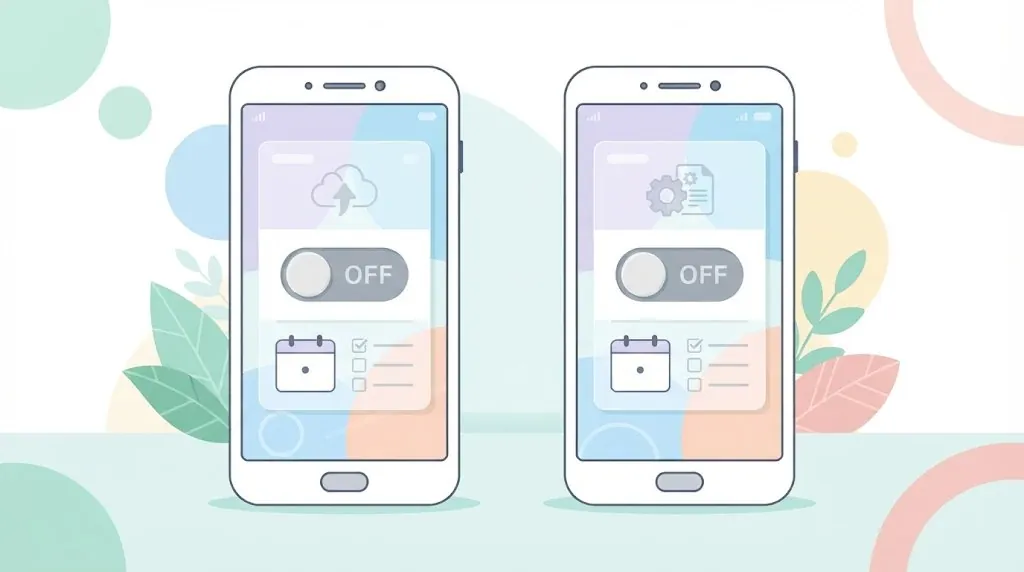
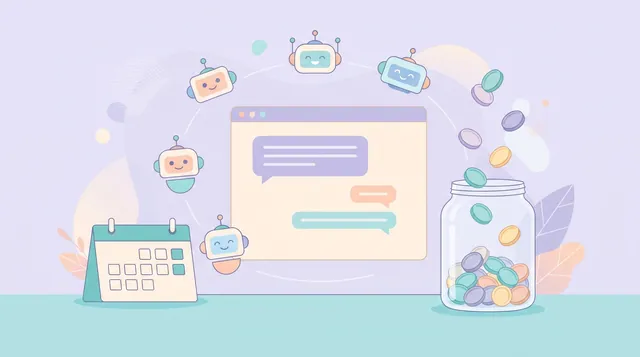
Illustration: AI Tool Audit, created with Google Gemini
On this page
Why the app store matters
ChatGPT, Claude, Gemini, Perplexity and most other AI apps let you upgrade inside their mobile apps. When you do, the payment goes through Apple's App Store or Google Play, not through the AI company. That means the cancel button lives in your Apple or Google account.
A common mistake is to look for "cancel" on the AI company's website, find nothing, and assume you are stuck. Another is to delete the app. Google's help page states plainly that uninstalling an app does not cancel its subscription, and the same logic applies on iPhone.
Not sure where you paid? Search your email for a receipt. A receipt from Apple or Google Play means you cancel there. A receipt from the AI company itself means you cancel on its website; we have guides for ChatGPT Plus, Google AI Pro and Ultra and Perplexity Pro.
Cancel on iPhone or iPad
- Open Settings and tap your name.
- Tap Subscriptions.
- Tap the AI app's subscription.
- Tap Cancel Subscription. You may need to scroll down to see it.
Apple says that if there is no Cancel button, or you see an expiration message in red, the subscription is already canceled. The same steps work on iPad and Vision Pro.
Cancel an Apple subscription on a Mac or the web
- Mac: open the App Store, click your name at the bottom of the sidebar, click your name again, then Subscriptions. Pick the app and click Cancel Subscription.
- Web: go to account.apple.com, sign in, open the subscriptions section and follow the steps.
- Windows: Apple says other Apple-billed subscriptions are managed in the Apple Music or Apple TV app.
Cancel on Android (Google Play)
- Open your subscriptions in Google Play (play.google.com/store/account/subscriptions) and sign in with the account that pays.
- Select the AI app's subscription.
- Tap Cancel subscription.
- Follow the on-screen steps.
The same subscriptions page works in a computer browser. Make sure you are signed in to the right Google account; families often have more than one on a phone.
What happens after you cancel
| Question | Apple App Store | Google Play |
|---|---|---|
| Do I keep access? | Apple's cancel page doesn't say how long access lasts | Yes, for the time you already paid for |
| Free trial deadline | Cancel at least 24 hours before the trial ends | Not covered on the cancel page |
| Can I pause instead? | Not offered on the cancel page | Some apps allow a pause of one week to three months |
| Does deleting the app cancel? | Apple's steps cancel in Subscriptions, not by deleting | No, stated by Google |
Google gives an example: a one-year plan bought January 1 keeps working until December 31, with no renewal charge after that. Pausing, where the app allows it, starts at the end of your current billing period.
Asking for a refund
Canceling stops future charges. It does not refund the last one. If you were charged by mistake or forgot to cancel a trial, you can ask.
- Apple: sign in at reportaproblem.apple.com, choose "I'd like to," then "Request a refund." Pick a reason and the subscription, then submit. Apple says to allow 24 to 48 hours for an update. Eligibility varies by country.
- Google Play: Google says it may give refunds for some purchases, depending on what you bought, when, and where you live. Unauthorized charges should be reported within 120 days. For app problems, Google suggests contacting the app's developer first.
If you can't find the subscription
Sometimes the AI app doesn't appear in your list. The usual reason is a different account. On Apple, search your email for "receipt from Apple" and check which Apple Account the receipt was sent to; Apple says you need to sign in with the account that made the purchase. On Android, open the Play Store, tap your profile picture and switch accounts, then check subscriptions again. If the receipt came from the AI company instead, the subscription was billed on the web, and you cancel in that company's account settings.
Tips to avoid surprise charges
- Set a reminder two days before any trial ends. Apple's 24-hour cutoff is easy to miss.
- Check both stores if you have both an iPhone and an Android tablet. A subscription bought on one won't show in the other.
- Consider paying on the web next time. Web billing is managed in the AI company's own settings, which some find easier to track. Our ChatGPT plans and Claude plans explainers list the web prices.
- Review what you pay for once a quarter. The AI tool price table helps you spot cheaper plans.
FAQ
Can I cancel an App Store AI subscription on the company's website?
Usually not. If Apple or Google Play billed you, you cancel in your Apple or Google account. The AI company's website manages only subscriptions it billed directly.
Does deleting ChatGPT or Gemini from my phone cancel the subscription?
No. Google's help page says uninstalling an app does not cancel its subscription. On iPhone, cancel in Settings under Subscriptions.
When should I cancel an Apple free trial?
Apple says to cancel at least 24 hours before the trial ends to avoid being charged.
Will I get a refund when I cancel?
Not automatically. Canceling stops renewals. Request a refund through reportaproblem.apple.com for Apple, or through Google Play's refund process for Android.
Sources
- Apple Support: If you want to cancel a subscription from Apple (checked November 12, 2026)
- Apple Support: Request a refund for apps or content (checked November 12, 2026)
- Google Play Help: Cancel, pause or change a subscription (checked November 12, 2026)
- Google Play Help: Refund policies (checked November 12, 2026)