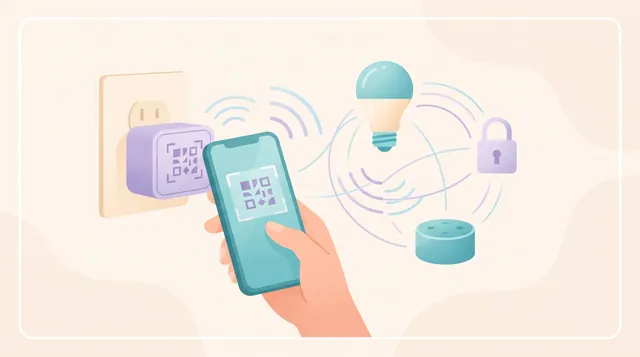
Checked November 12, 2026 against Amazon's Alexa developer documentation, Google Home Help, Apple Support and Philips Hue (US). This is a documentation-based guide, not a hands-on test.
Quick verdict
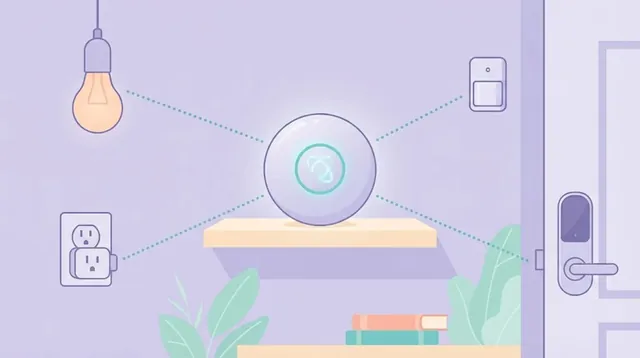
You need a Matter-compatible Echo first. Amazon says the Echo acts as the Matter administrator that finds and connects the device locally.
Then use the Alexa app: Devices, the plus sign, Add Device, then pick Matter and scan the QR code on the device or its box.
Thread devices need more: a Thread border router, such as a Thread-enabled Echo or eero. Without one, set the device up in another ecosystem and share it to Alexa.
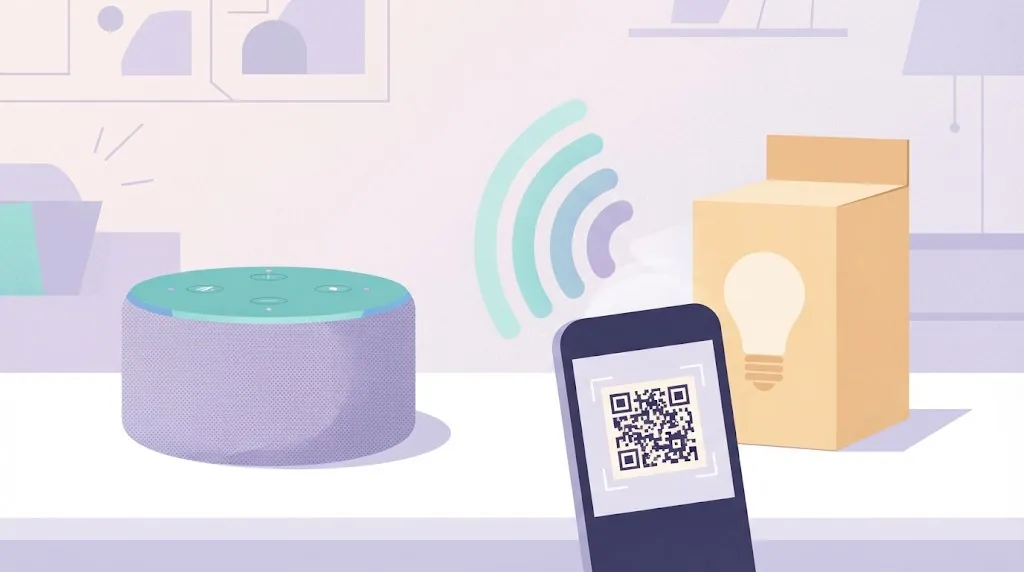
Illustration: AI Tool Audit, created with Google Gemini
On this page
What you need before you start
Matter is a shared smart home standard. One Matter plug or bulb can work with Alexa, Google Home and Apple Home. If Matter is new to you, read our Matter explainer first.
For Alexa, Amazon's documentation lists three things:
- A Matter-compatible Echo that is already set up. Amazon says that after you set up a compatible Echo, you can add Matter devices in the Alexa app.
- The Alexa app on your phone. Setup happens there, not by voice.
- The device's Matter setup code. This is the QR code or number printed on the device, its box or its manual.
Amazon says Alexa uses Bluetooth Low Energy to pass your Wi-Fi or Thread network details to the new device. So keep the phone and the device close together during setup, and keep Bluetooth on.
Which Echo devices work with Matter
Amazon's developer docs list a long range of Matter-enabled Echo and eero devices. Here are some of them, as listed:
| Family | Examples on Amazon's list |
|---|---|
| Echo speakers | Echo (2nd Gen and newer), Echo Dot (2nd Gen and newer), Echo Pop, Echo Studio, Echo Flex |
| Echo Show | Echo Show 5 (1st Gen and newer), Echo Show 8, Echo Show 10 (3rd Gen), Echo Show 15, Echo Show 21 |
| Other Echo | Echo Hub, Echo Spot (2024 release), Echo Input |
| eero Wi-Fi | eero 6 and 6+, eero 7, eero Pro 6, Pro 6E and Pro 7, eero Max 7 |
The page also says Matter-compatible Echo devices support Matter over Wi-Fi and Matter over Thread, using a subset of the Matter 1.5 device types. Supported categories include lights and plugs, sensors, locks, blinds, thermostats, fans, air purifiers, appliances and robot vacuums.
How to add a Matter device to Alexa, step by step
Amazon's own tutorial walks through this path in the Alexa app:
- Plug in or power on the Matter device.
- Open the Alexa app and go to Devices.
- Tap the plus sign, then Add Device.
- Choose Other from the list, then select Matter and confirm the device shows the Matter logo.
- Tap Scan QR Code, allow camera access, and scan the code on the device or box.
- For a Wi-Fi device, pick your Wi-Fi network when asked.
- When Alexa says setup worked, tap Done. Then name the device and put it in a room.
Menu labels in the Alexa app can change between versions. If you do not see "Other", look for a Matter shortcut on the Add Device screen.
Tip: photograph the QR code before you install the device.
Devices bought on Amazon may set up on their own
Amazon has a feature called Matter Simple Setup. Its docs describe it like this: a new device powers on and calls out over Bluetooth to a nearby Matter-enabled Echo. If you bought it on Amazon.com, the Echo can verify it and connect it to your account with no action from you. If you bought it from another store, you may be asked to confirm the connection first.
So if a new plug shows up in the Alexa app by itself, that is expected. Not every device supports this, so the manual steps above remain the fallback.
Thread devices: the extra requirement
Many Matter sensors, locks and bulbs use Thread, a low-power mesh radio, instead of Wi-Fi. Amazon's docs say a Thread device must be brought onto the network by a Thread border router before it can connect over Matter. They add that Thread-enabled Echo and eero devices have border routers built in.
Amazon's page did not show the model-by-model border router list when we checked. Philips Hue's Matter page names "Amazon Echo Smart Speakers (4th gen)" as one example. Our Matter smart bulb guide covers bulbs that work with Matter.
If your Echo has no Thread radio, you have two choices. You can add a Thread-enabled Echo or eero. Or you can set the device up with another ecosystem's border router and share it to Alexa, as below.
Adding a device that already works with Google Home or Apple Home
Matter lets one device join several apps. Amazon calls this Multi-Admin. You do not reset the device. Instead, the first app creates a fresh code for Alexa.
| Device is in | What the official help says |
|---|---|
| Google Home | Touch and hold the device tile, open Settings, choose "Linked Matter apps & services", then "Link apps & services". Pick Alexa, or use a pairing code or QR code. |
| Apple Home | Apple tells you to follow the maker's steps to add the accessory to another app, then pick the device you already paired. |
Then, in the Alexa app, start Add Device and enter the code. Google's help adds two notes. You need a Matter hub for each app you want to use. And only one platform controls the device at a given moment, though status updates show in every linked app.
Which route should you use?
- New Wi-Fi plug or bulb, and you own a recent Echo: scan the QR code in the Alexa app.
- New Thread sensor or lock: check that you own a Thread-enabled Echo or eero first.
- Device already in Google Home or Apple Home: share it from that app with a new pairing code. Do not factory reset it.
- Still choosing an ecosystem? See Alexa vs Google Home vs Apple Home and our smart plug picks.
Matter itself costs nothing extra. For paid smart home and AI services, our price table lists every plan we track.
FAQ
Do I need an Echo to use Matter with Alexa?
Yes. Amazon says you first set up a compatible Echo, which acts as the Matter administrator that connects devices to Alexa locally.
Where is the Matter code?
It is the QR code or number printed on the device, its packaging or its manual. Scan it from the Add Device flow in the Alexa app.
Why does my Thread device fail to add?
Thread devices need a Thread border router. Amazon says Thread-enabled Echo and eero devices include one. Without one, set the device up elsewhere and share it to Alexa.
Can a Matter device work with Alexa and Google Home at once?
Yes. Matter Multi-Admin lets you link one device to several apps. Google notes only one platform controls it at a given moment.
Sources
- Amazon: Connect your device to Alexa with Matter (checked November 12, 2026)
- Amazon: Commission and test the device (Alexa app steps) (checked November 12, 2026)
- Amazon: Matter Simple Setup for Thread overview (checked November 12, 2026)
- Google Home Help: Matter-enabled devices (checked November 12, 2026)
- Apple Support: Pair and manage your Matter accessories (checked November 12, 2026)
- Philips Hue and Matter (checked November 12, 2026)