Checked November 12, 2026 against threadgroup.org, Apple Support, Google Home Help, Amazon's Alexa developer documentation and Philips Hue (US). This is a documentation-based explainer, not a hands-on test.
Quick verdict
What it is: a Thread border router connects a mesh of low-power Thread devices to your home network. Without one, a Matter-over-Thread device cannot be set up.
You may already own one: HomePod mini, recent Apple TV 4K models, Nest Hub (2nd gen), Nest Hub Max, Nest Wifi Pro and Thread-enabled Echo and eero devices all qualify.
Best rule: use a border router from the same ecosystem as your main smart home app.
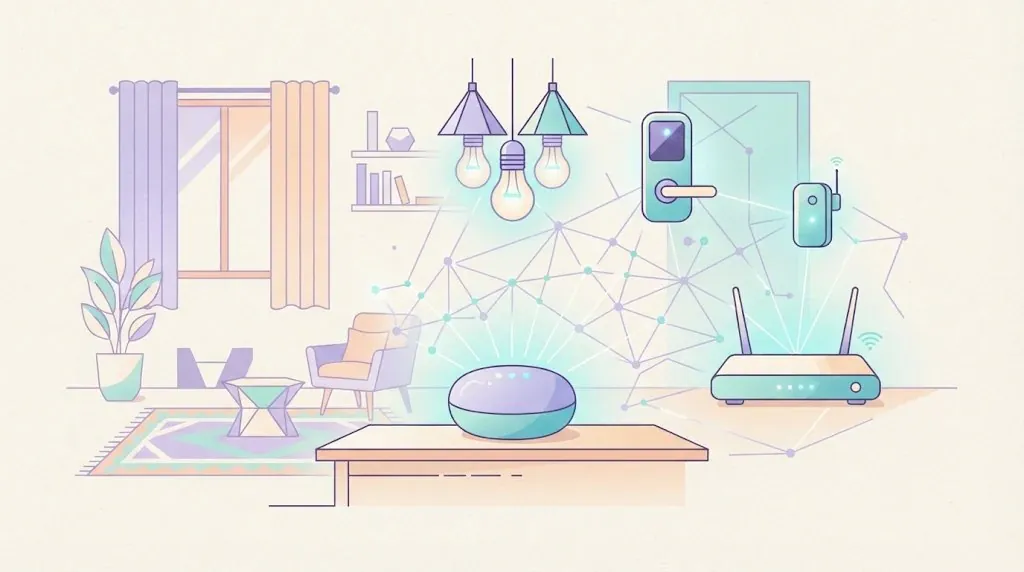
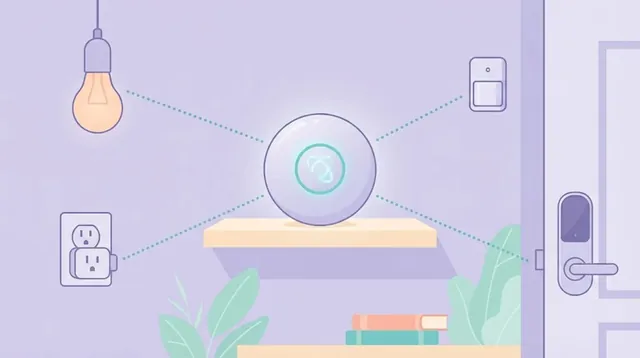
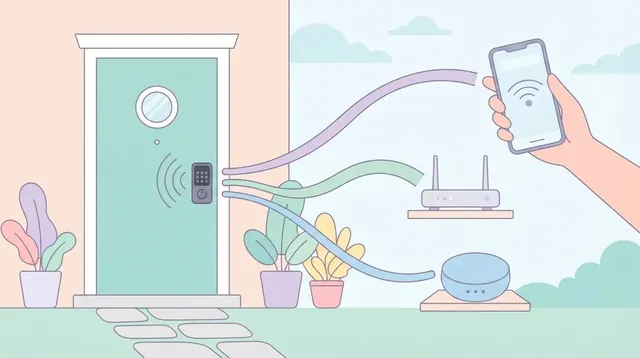
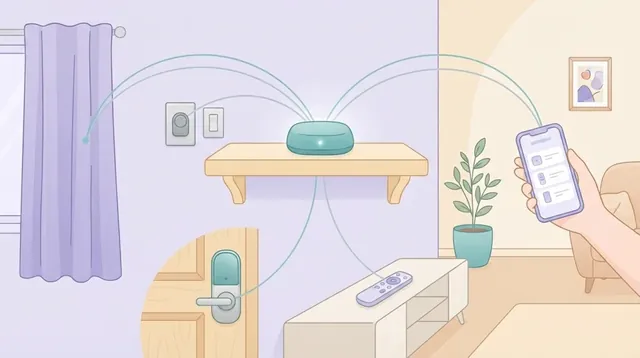
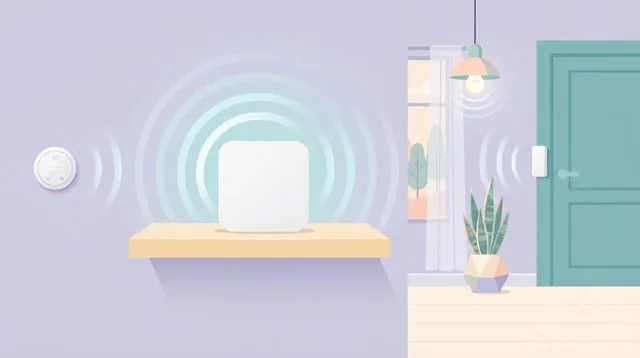
Illustration: AI Tool Audit, created with Google Gemini
On this page
What Thread is
Thread is a wireless network for small smart home devices. The Thread Group calls it an open, IPv6-based protocol built on the low-power IEEE 802.15.4 radio standard. Amazon's docs describe it as a low-power mesh. Devices pass messages along the mesh, so the network keeps working if one device goes offline.
Low power use makes Thread a good fit for battery sensors, door locks and bulbs. Many Matter devices use it. Matter is the shared language for control; Thread is one of the networks that carries it. Our Matter explainer covers the bigger picture.
What a border router does
Thread devices cannot talk to your Wi-Fi router directly. A border router sits on both networks and links them. Amazon's docs say border routers "provision and secure Thread networks," and that a Thread device must be brought onto the network by one before Matter over Thread will work.
A border router is usually not a separate box. It is a feature built into a smart speaker, display, streaming box or Wi-Fi router you may already own.
Which devices are Thread border routers?
| Brand | Devices the official pages list as Thread-enabled | Not Thread-enabled (examples) |
|---|---|---|
| Apple | HomePod mini, HomePod (2nd generation), Apple TV 4K (3rd generation) Wi-Fi + Ethernet, Apple TV 4K (2nd generation) | Not listed on the pages we checked |
| Google Home Speaker (2026), Nest Hub (2nd gen), Nest Hub Max, Nest Wifi Pro (Wi-Fi 6E), Google TV Streamer (4K) | Nest Audio, Nest Mini, Google Home Mini, Google Home, Nest Hub (1st gen) | |
| Amazon | Thread-enabled Echo and eero devices; Philips Hue names Echo (4th gen) as an example | Amazon's model list did not load when we checked |
| Others | Philips Hue lists Nanoleaf as a border router example | Check the maker's page |
Apple also lists the iPhone 15 Pro, iPhone 15 Pro Max or later running iOS 18 as Thread-enabled. You can pair Thread accessories to these phones directly. Apple notes that battery-powered accessories may need a firmware update first.
Amazon says its Thread-enabled devices support Thread 1.1, 1.3 or 1.4. It did not show which version each model runs.
What Thread 1.4 changes
The Thread Group released Thread 1.4 in September 2024. Its white paper lists six additions. Three matter most at home:
- Credential sharing. The white paper names the old problem: the phone app setting up a new device sometimes could not reach the network's credentials. In Thread 1.4, a border router can show a short-lived passcode, as a QR code or a nine-digit number. A setup app uses it to get temporary admin access and join the new device to the existing network.
- Better internet access for Thread devices, over both IPv4 and IPv6.
- Better diagnostics and a more robust, scalable mesh.
In plain terms, Thread 1.4 makes it easier to add a new device to the Thread network you already have. Support depends on the maker shipping 1.4 firmware, so check your device's own pages.
Do you need a border router?
Check the box or the product page for "Thread" or "Matter over Thread". If you see only Wi-Fi, you do not need one.
Some brands give you a choice. Philips Hue says its Bridge and Bridge Pro bring Matter to every Hue light connected to them. But if you connect a Matter Hue bulb directly, without a Bridge, Hue says you need a Thread border router. It names HomePod mini, Echo (4th gen), Nanoleaf and Nest Hub as examples.
You also need a hub for your main app. In Apple Home, Apple says a home hub is required to add Matter accessories. A HomePod becomes a hub when you set it up, and an Apple TV becomes one when you add it to a room. Only the home owner can add a hub.
Which should you choose?
- Apple Home users: a HomePod mini or a Thread-enabled Apple TV 4K covers both the hub and the border router.
- Google Home users: a Nest Hub (2nd gen), Nest Hub Max, Nest Wifi Pro, Google TV Streamer (4K) or Google Home Speaker (2026).
- Alexa users: a Thread-enabled Echo or eero. See Alexa vs Google Home vs Apple Home for the wider choice.
- Mixed homes: you can have border routers from several brands. Google notes you need a Matter hub for each app you want to control a device from.
Shopping for Thread gear? See our smart lock picks, our Matter smart bulbs guide and smart home setup for beginners. For paid services, see the price table.
FAQ
Is a Thread border router the same as a hub?
Not always. A border router links Thread devices to your network; a hub runs your smart home app's automations. Many devices, such as HomePod mini, do both.
Does my Wi-Fi router work as a Thread border router?
Only if it has a Thread radio. Google lists Nest Wifi Pro, and Amazon says Thread-enabled eero devices include a border router.
Can I have more than one border router?
Yes, you can own border routers from several brands. Thread 1.4 adds credential sharing so a new device can join your existing network.
Why does my iPhone say "Thread Border Router Required"?
Apple suggests restarting your home hub, using the Apple Account that set up the Home app, and moving an Ethernet-connected Apple TV onto Wi-Fi.
Sources
- Thread Group: What is Thread (checked November 12, 2026)
- Thread Group: Thread 1.4 Features White Paper (checked November 12, 2026)
- Apple Support: "Thread Border Router Required" alert (checked November 12, 2026)
- Apple Support: Set up a home hub (checked November 12, 2026)
- Google Nest Help: Google devices with Matter (checked November 12, 2026)
- Google Home Help: Matter-enabled devices (checked November 12, 2026)
- Amazon: Smart home Thread support (checked November 12, 2026)
- Amazon: Connect your device to Alexa with Matter (checked November 12, 2026)
- Philips Hue and Matter (checked November 12, 2026)