Checked November 12, 2026 against aqara.com (US). This is a documentation-based guide, not a hands-on test.
Quick verdict
Best all-rounder for a new setup: Hub M200. It lists Zigbee, Thread border router, Matter controller and bridge, IR and PoE in one box.
Matter over Thread focus: Hub M3 is the hub Aqara names as a Matter controller for Thread accessories.
Zigbee only, smallest setup: Hub E1 is a USB stick Zigbee 3.0 hub. Camera Hub G3 combines a 2K camera with a Zigbee hub.
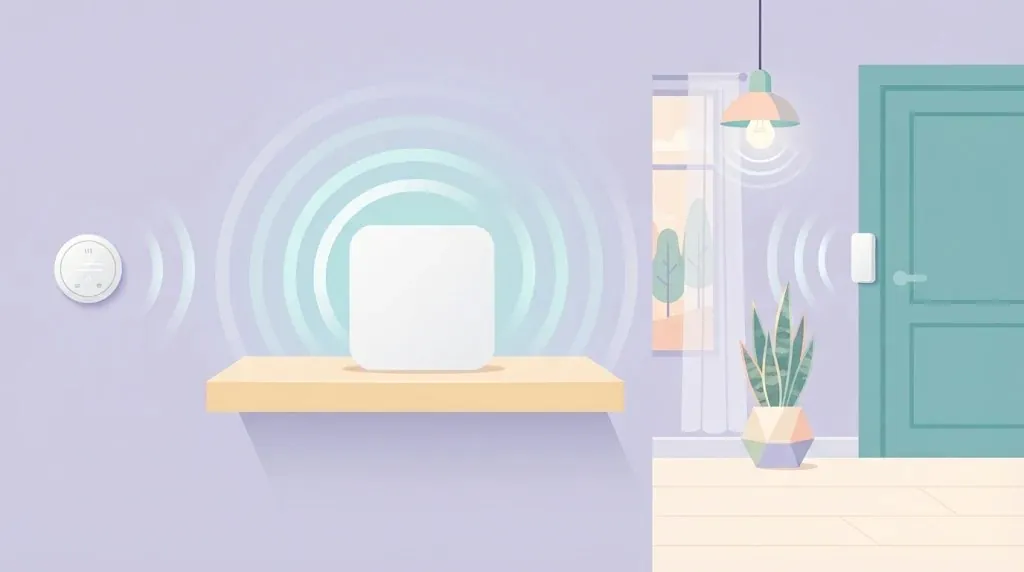
Illustration: AI Tool Audit, created with Google Gemini
On this page
Why Aqara gear needs a hub
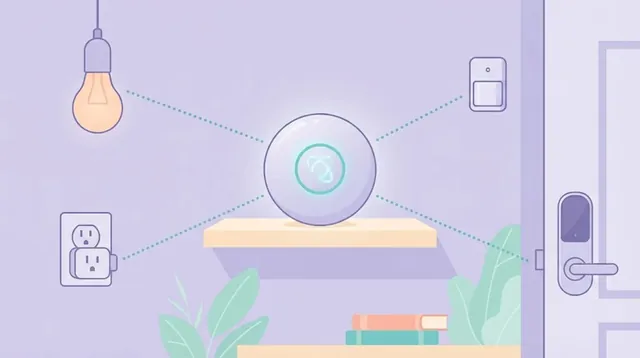
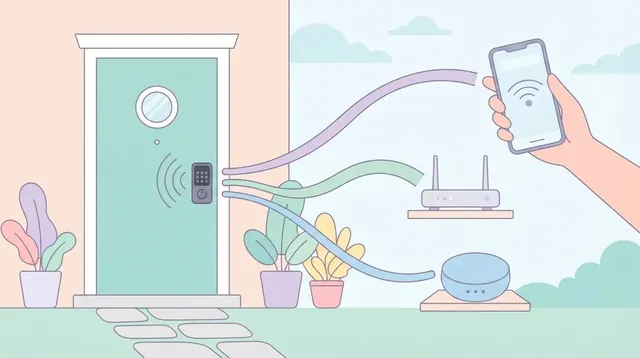
Most Aqara sensors, buttons and switches don't use Wi-Fi. They use low-power radios, mainly Zigbee and, on newer devices, Thread. Aqara's hub page says its hubs use Zigbee to talk locally with devices and combine Wi-Fi, Zigbee and Bluetooth. The hub is the bridge between those small devices and your phone, your voice assistant or Apple Home.
Picking a hub comes down to three questions. Which radios do your devices use? Do you want Matter? And do you want extras like an IR blaster or a camera? If those radio names are new to you, our Zigbee vs Z-Wave vs Matter guide and Thread border routers explainer are good first reads.
The current hub lineup
Aqara's US hub page lists ten hubs: M200, M100, M3, Camera Hub G2H Pro, Camera Hub G3, Camera Hub G2H, M1S, M1S Gen 2, M2 and E1. The table below covers the six with the clearest details on Aqara's product and spec pages. Aqara's pages don't show prices, so check the store before buying.
| Hub | Zigbee | Thread | Matter | Extras listed |
|---|---|---|---|---|
| Hub M200 | Yes (40 devices) | Border router (40 devices) | Controller and bridge | IR blaster, dual-band Wi-Fi, PoE or USB-C |
| Hub M3 | 802.15.4 radio | 802.15.4 radio | Controller | Dual-band Wi-Fi, Bluetooth 5.1, PoE input |
| Hub M100 | Zigbee and Thread radio, as router/repeater | Border router and mesh extender | Bridging | USB-A plug-in, 2.4 GHz Wi-Fi |
| Hub M2 | Zigbee 3.0 (up to 128 devices) | Not listed | Not listed | IR, speaker, Ethernet, Micro-USB |
| Hub E1 | Zigbee 3.0 (up to 128 devices) | Not listed | Not listed | USB-A stick, Wi-Fi repeater |
| Camera Hub G3 | Zigbee 3.0 (up to 128 devices) | Not listed | Not listed | 2K camera, IR, HomeKit Secure Video |
The 128-device figures assume you have Zigbee routers or repeaters, like plugs or neutral-wire wall switches, per Aqara.
Hub M200: the do-everything hub
Aqara pitches the M200 as "One Hub. Matter & IR Control." Its page lists Matter as both controller and bridge, a Thread border router, Zigbee, dual-band Wi-Fi 6, Bluetooth and a 360° IR blaster. It can run on PoE or USB-C, though the USB-C adapter isn't included. Aqara says automations that used to run in the cloud now run locally, so they keep working during an internet outage. Cloud push notifications still need a connection. Supported ecosystems listed: Apple Home, Google Home, Alexa, SmartThings and Home Assistant.
Hub M3: built for Matter over Thread
The M3 is the hub Aqara points to across its site when you add Matter-over-Thread accessories: those devices need a Matter controller like the M3, set up in the Aqara Home app first. Its spec page lists dual-band Wi-Fi, an 802.15.4 radio for Zigbee and Thread, Bluetooth 5.1 and PoE input. If you already own an M3, it still covers Matter. For a new purchase, the M200 lists a broader feature set.
Hub M100: the small add-on
The M100 plugs straight into a USB-A port. It works as a Thread border router and mesh extender and supports Matter bridging. Its spec page lists Zigbee and Thread as a router or repeater role. That makes it a good fit for extending coverage, or for adding Thread to a home that already has another controller.
Hub M2 and Hub E1: Zigbee classics
The M2 is a Zigbee 3.0 hub with an IR transmitter, a speaker, Ethernet and local automations that run without internet. It supports up to 128 Zigbee devices. It works with Apple HomeKit, Google Assistant and Alexa. Aqara notes the IR controller is not exposed to Apple's Home app, and the page doesn't list Matter for the M2.
The E1 is a USB-A stick hub with Zigbee 3.0 and up to 128 devices. You can power it from a router, PC or power bank. It also works with Apple HomeKit, Alexa and Google Assistant. It is the simplest way to start with Aqara sensors if you don't need Matter.
Camera Hub G3: camera plus hub
The G3 is a 2K camera with a built-in Zigbee 3.0 hub for up to 128 devices and an IR controller. It supports HomeKit Secure Video, at 1080p in that mode. Aqara notes that third-party cloud storage, such as HomeKit Secure Video, may need a separate subscription.
Which should you choose?
- Starting from scratch and want Matter: Hub M200.
- You already use Apple Home and only want Aqara Zigbee sensors: Hub E1 or M2.
- You also want an indoor camera: Camera Hub G3, which doubles as the Zigbee hub.
- You need more Thread coverage: add an M100.
- You run Home Assistant: the M200 lists Home Assistant support directly. Our Home Assistant beginner guide explains the setup.
For broader context, see our Matter explainer, SmartThings vs Home Assistant vs Hubitat and Apple Home hub requirements. Prices for smart home subscriptions and AI tools are on our AI tool prices page.
FAQ
Do I need an Aqara hub?
For most Aqara sensors, switches and buttons, yes. They use Zigbee or Thread rather than Wi-Fi, so they need a hub or controller to connect to your phone and voice assistant.
Which Aqara hub supports Matter?
Aqara's pages list Matter for the Hub M200 (controller and bridge), Hub M3 (controller) and Hub M100 (bridging). The M2, E1 and Camera Hub G3 pages don't list Matter.
Does Aqara work with Apple Home?
Yes. The M200 lists Apple Home, and the M2, E1 and Camera Hub G3 list Apple HomeKit. The G3 also supports HomeKit Secure Video.
How many devices can an Aqara hub handle?
The M2, E1 and Camera Hub G3 list up to 128 Zigbee devices with repeaters. The M200 comparison table lists 40 Zigbee plus 40 Thread devices.
Sources
- Aqara hubs (US)
- Hub M200, Hub M3 and M3 specs
- Hub M100 and M100 specs
- Hub M2, Hub E1 and Camera Hub G3
- All checked November 12, 2026.