Checked November 12, 2026 against help.openai.com (Data controls and Memory articles) and chatgpt.com/pricing. This is a documentation-based explainer, not a hands-on test.
Quick verdict
For a one-off private question: use Temporary Chat. It stays out of your history, skips memory and isn't used to train models.
For all your chats: turn off "Improve the model for everyone" in Settings > Data controls. On personal Free, Plus and Pro accounts it's on by default.
Neither is deletion. Temporary chats may be kept up to 30 days for safety, and turning off training doesn't delete old chats.
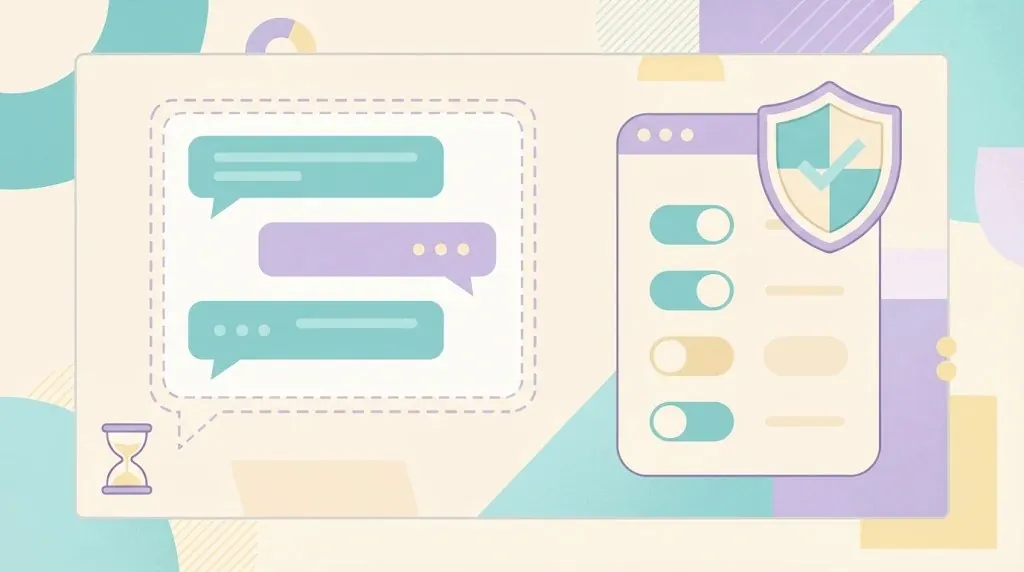
Illustration: AI Tool Audit, created with Google Gemini
On this page
Three separate controls
ChatGPT's privacy options are easy to mix up because they do different jobs. There are three to know:
| Control | Where | What it changes |
|---|---|---|
| Temporary Chat | Chosen before you start a chat | One conversation: no history, no memory, not used for training |
| Improve the model for everyone | Settings > Data controls | Whether your regular chats can be used to train models |
| Memory | Settings > Personalization > Memory | Whether ChatGPT saves and uses details about you across chats |
How Temporary Chat works
According to OpenAI's Data controls help article, a temporary chat:
- doesn't appear in your chat history;
- doesn't create or update memories;
- isn't used to improve OpenAI's models;
- may be kept for up to 30 days for safety purposes.
Before you start, you choose whether the temporary chat is personalized. A personalized one can use your existing memories, custom instructions and plugins. It still won't add new memories. An unpersonalized one starts clean, which is closer to talking to a stranger.
One catch: if you save a temporary chat, it becomes a regular chat. From then on it follows your normal history and training settings.
Turning off model training
For regular chats, the setting that matters is "Improve the model for everyone." OpenAI says data sharing is on by default for personal Free, Plus and Pro workspaces. To turn it off:
- Web: open the account menu, then Settings > Data controls.
- iOS and Android: open the sidebar, tap your profile icon, then Data controls.
- Signed out: you can turn it off per browser.
A few details from the help article are easy to miss:
- Voice mode has its own separate control.
- Codex has a separate "Include environments" setting.
- Turning the setting off doesn't delete your existing chats.
- Feedback counts. If you give a thumbs up or down, the whole conversation can be used for training.
Work accounts are different. OpenAI says Business, Enterprise, Edu, Healthcare and API data are not used for training by default. Our ChatGPT Business vs Enterprise guide covers those plans, and ChatGPT plans explained covers the personal tiers listed on chatgpt.com/pricing: Free, Go, Plus and Pro.
Memory settings
Memory is about personalization, not training. You'll find it under Settings > Personalization > Memory. OpenAI's Memory help article explains how deletion works:
- Turning Memory off doesn't delete your chats.
- Deleting a chat doesn't delete a saved memory that came from it. Delete the memory separately.
- Turning off Reference chat history schedules what ChatGPT remembered from past chats for deletion within 30 days.
- Logs of deleted saved memories may be kept for up to 30 days.
For a side-by-side look at how memory works across assistants, see how memory works in ChatGPT, Claude and Gemini.
Which setting should you use?
- A sensitive one-off question (health, money, a legal worry): start a Temporary Chat and choose no personalization.
- You never want your chats used for training: turn off "Improve the model for everyone" on every device and browser you use, and skip thumbs feedback on private chats.
- You don't want ChatGPT to remember you: turn off Memory and Reference chat history, then delete any saved memories you don't want.
- You handle client or company data: use a Business or Enterprise workspace rather than a personal account.
A five-minute privacy checkup
If you've never looked at these settings, this short routine covers the main points:
- Open Settings > Data controls and check "Improve the model for everyone." Turn it off if you don't want regular chats used for training.
- Check the separate Voice mode control if you talk to ChatGPT out loud.
- If you use Codex, review its "Include environments" setting too.
- Open Settings > Personalization > Memory. Review what's saved, delete what you don't want, or turn Memory off.
- Repeat step 1 in the mobile app and in any browser where you use ChatGPT signed out.
Remember that settings apply going forward. Old chats stay in your history until you delete them yourself.
None of these settings make it safe to paste passwords, ID numbers or other secrets. Treat any cloud chatbot as a place where text may be stored for a time. Our guide to opting out of AI training in ChatGPT, Claude and Gemini covers the same steps for the other big assistants. For plan prices, see our AI tool prices page.
FAQ
Are ChatGPT temporary chats really deleted?
They don't show in your history and aren't used for training, but OpenAI says they may be kept for up to 30 days for safety purposes.
Does Temporary Chat use my memories?
Only if you choose a personalized temporary chat before starting. Then it can use memories, custom instructions and plugins, but it won't create or update memories.
Is "Improve the model for everyone" on by default?
Yes, for personal Free, Plus and Pro workspaces. Business, Enterprise, Edu, Healthcare and API data aren't used for training by default.
Does turning off training delete my chat history?
No. It only affects whether future chats can be used for training. Delete chats separately if you want them gone.
Sources
- Data controls in ChatGPT (OpenAI Help)
- Memory in ChatGPT (OpenAI Help)
- ChatGPT plans and pricing
- All checked November 12, 2026.