Checked November 12, 2026 against evehome.com (Thread, Thread network and Matter pages). This is a documentation-based explainer, not a hands-on test.
Quick verdict
Eve is a Thread-first brand. Eve says all its current Bluetooth-capable devices also support Thread, and its Thread devices work with Matter in Apple Home, Google Home, Alexa and SmartThings.
You need a border router, not an Eve bridge. Eve says there is no Eve cloud or bridge.
For a strong network, add at least one plugged-in Eve device, such as Eve Energy, to relay signals for battery sensors.
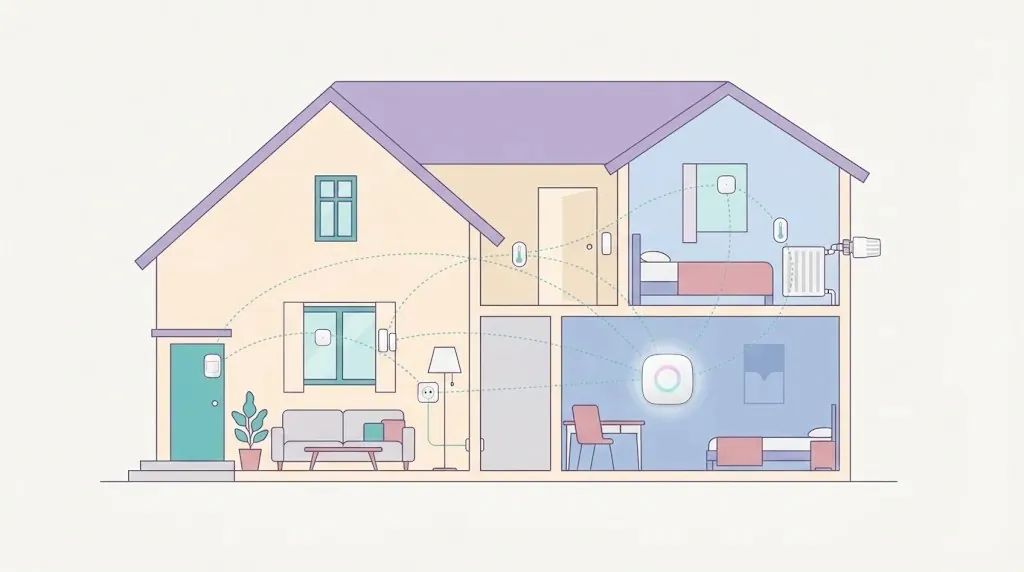
Illustration: AI Tool Audit, created with Google Gemini
On this page
What Thread is, in Eve's words
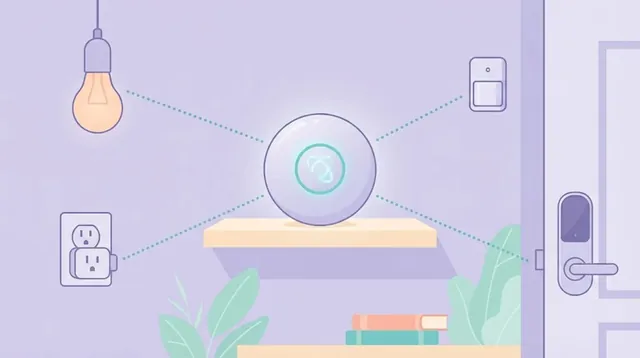
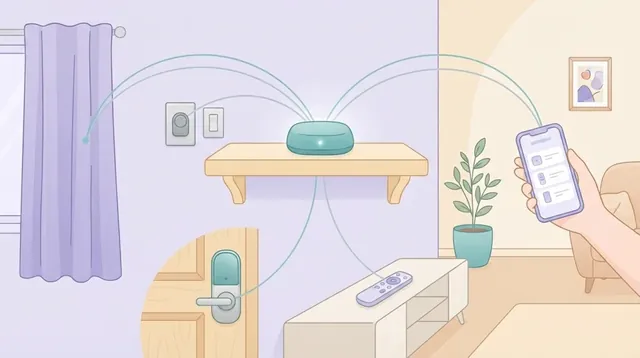
Thread is a low-power wireless mesh network for smart home devices. Eve explains that "Thread creates a mesh network," so devices pass messages to each other instead of all talking to one central bridge. If one device drops out, data is relayed through the next one in the mesh.
Eve lists the benefits as no proprietary bridge, longer reach as you add devices, a network that gets sturdier as it grows, quick responses, and long battery life. It also calls Thread one of the pillars of Matter. For the bigger picture, see our Matter explainer and Zigbee vs Z-Wave vs Matter.
Routers and endpoints
Not every Thread device does the same job. Eve splits its products into two groups:
| Role | What it does | Eve examples |
|---|---|---|
| Router (Full Thread Device) | Always powered; relays data for other devices | Eve Energy, Eve Light Switch, Eve Shutter Switch, Eve Water Guard |
| Endpoint (Minimal Thread Device) | Battery powered; sends its own data but doesn't relay | Eve Aqua, Eve Door & Window, Eve Motion, Eve Room, Eve Thermo, Eve Weather |
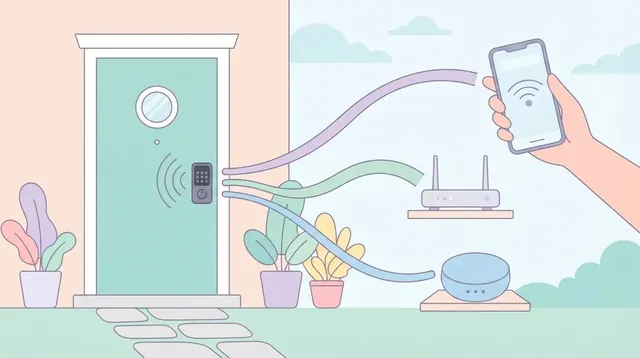
| Border router | Connects the Thread mesh to your home Wi-Fi network | A platform hub, such as a HomePod mini or Apple TV 4K |
This is the key to a reliable Eve setup. A home full of battery sensors and no plugged-in Eve devices has no routers to extend the mesh. One or two Eve Energy plugs in central spots can make distant sensors much more reliable.
Which Eve devices use Thread
Eve's Thread page says all its current Bluetooth-capable devices also support Thread. It names Aqua, Door & Window, Energy, Flare, Light Switch, Motion, MotionBlinds, Room, Shutter Switch, Thermo, Water Guard and Weather.
There is one exception group: Eve says its Wi-Fi devices will stay HomeKit-only and won't get Matter. Check the product page before you buy if you use Google Home or Alexa.
Eve and Matter
Eve's Matter page says its Thread devices can be controlled from Apple Home, Google Home, Amazon Alexa and Samsung SmartThings. Earlier Thread-enabled models can get Matter through a free firmware upgrade. Eve lists Energy, Door & Window, Light Switch (US/Canada), Motion, MotionBlinds, Shutter Switch, Thermo and Weather as eligible.
Eve also stresses privacy. Matter works locally, and Eve says there is no Eve cloud or bridge, so you don't need an Eve account to use its devices.
What you need to get started
Eve's Matter page lists a phone or tablet (iPhone, iPad or Android) and a compatible hub. The hub rules are simple:
- First platform: a hub that supports both Thread and Matter. This is your border router.
- Each extra platform: a hub for that platform that supports Matter. Eve says it doesn't need Thread, because your home already has a Thread network.
Eve's Thread network page names the HomePod mini and the newer Apple TV 4K as border routers. Other platforms have their own border routers; our Thread border routers guide lists them. Apple users should also read our Apple home hub requirements.
Some devices have extra needs. Eve says Eve Thermo Control needs iOS or iPadOS 17.6 or later plus an Apple TV 4K, HomePod or HomePod mini. Eve Weather needs an Apple TV 4K or HomePod as the home hub.
Building a stronger Eve network
Eve's Thread network page gives three practical steps:
- Start with a border router. It links the Thread mesh to your home network.
- Add at least one router device. Eve says the network gets more robust with every router you add.
- Fill the gaps. If a sensor is out of reach, move a router device closer or add one between them.
To see what's happening, open the Eve app and go to Settings > Thread Network. Eve says it shows how your Thread devices talk to each other, which helps you decide where to add a router.
Why use the Eve app at all?
Your main platform app controls Eve devices through Matter. The Eve app adds extras. Eve's Matter page mentions viewing motion durations for Eve Motion and historical weather data for Eve Weather. It also gives you the Thread network view described above, which most platform apps don't show.
Which setup should you choose?
- Apple Home user: a HomePod mini or Apple TV 4K plus Eve devices is the most direct setup.
- Google Home or Alexa user: pick Eve's Thread devices, not its Wi-Fi ones, and make sure your hub supports Thread and Matter.
- Many battery sensors: add Eve Energy plugs as routers.
- Two platforms at once: use Matter's multi-platform support; only the first hub needs Thread.
Prefer no monthly fees? Eve fits our smart home without subscriptions approach. Our price table tracks the subscriptions we cover.
FAQ
Do Eve devices need a bridge?
No. Eve says there is no Eve cloud or bridge. You need a Thread border router from your platform, such as a HomePod mini or Apple TV 4K.
Do Eve devices work with Google Home and Alexa?
Eve's Thread devices work with Google Home, Alexa and SmartThings through Matter. Eve's Wi-Fi devices stay HomeKit-only.
Which Eve devices extend the Thread network?
Always-powered devices such as Eve Energy, Eve Light Switch, Eve Shutter Switch and Eve Water Guard act as routers. Battery devices don't relay.
How do I see my Eve Thread network?
In the Eve app, go to Settings, then Thread Network. It shows how your Thread devices connect.
Sources
- Eve: Discover Thread (checked November 12, 2026)
- Eve: The building blocks of your Thread network (checked November 12, 2026)
- Eve: Welcome Matter (checked November 12, 2026)