Checked November 12, 2026 against us.govee.com (Matter FAQ and US store, US prices). This is a documentation-based explainer, not a hands-on test.
Quick verdict
Only some Govee lights speak Matter. Govee's Matter FAQ says older products can't get it because of a hardware limit. Look for a "Matter" label on the product page before you buy.
Matter covers the basics: on/off, brightness, color temperature and color. Govee's scenes and effects are not listed as Matter features.
Best fit: people who want Govee lights in Apple Home, Google Home, Alexa or SmartThings next to other brands, while keeping the Govee app for effects.
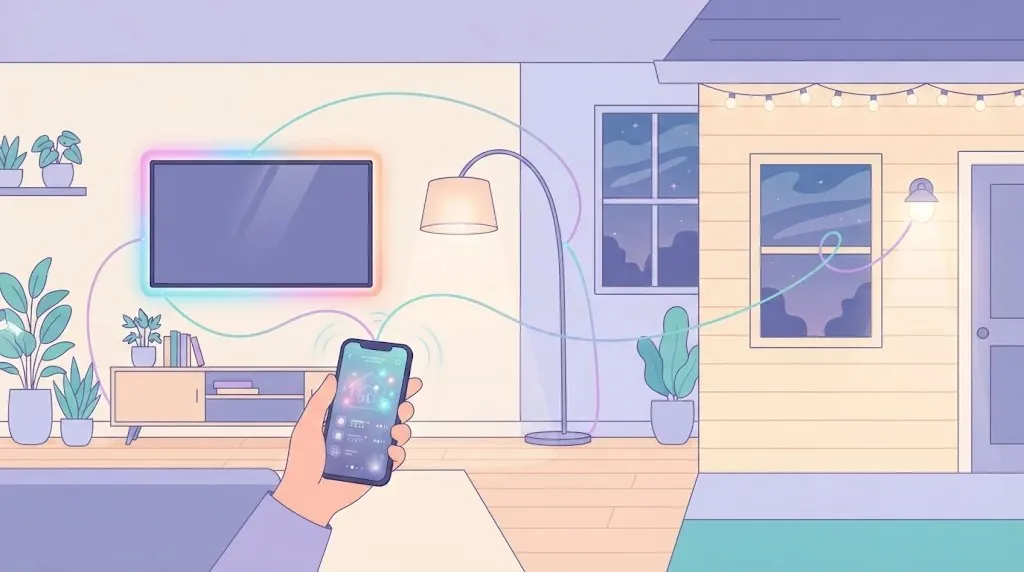
Illustration: AI Tool Audit, created with Google Gemini
On this page
What Matter means for Govee lights
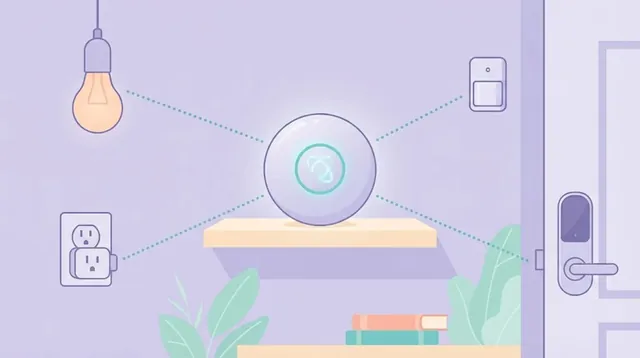
Matter is a shared smart home standard. A Matter light can be added to any Matter platform and controlled there, without a brand bridge. Our Matter explainer covers the basics.
Govee builds its Matter support on Wi-Fi, not Thread. Its FAQ says so directly. That matters for setup: you don't need a Thread border router, but your lights do need a solid 2.4 GHz Wi-Fi signal.
Which Govee products support Matter
Govee's Matter FAQ is short. It names the M1 LED Strip Light, in 2 m and 5 m lengths, and says the 5 m version needs a Matter-enabled control box. It also states that earlier Govee products won't support Matter because of a hardware limitation. A firmware update won't add it.
The US store tags more products. When we checked, these carried a Matter label:
| Product | Store label | Listed US price |
|---|---|---|
| Govee Permanent Outdoor Lights Pro | Matter Support | $599.99 |
| Govee Permanent Outdoor Lights 2 | Matter Support | $279.99 |
| Govee RGBICW Smart Floor Lamp Basic | Matter Compatible (Black variant) | $64.99 |
| Govee M1 LED Strip Light | Named in the Matter FAQ | Not listed on the collection page we checked |
Store prices and labels change often, and one variant of a product can support Matter while another doesn't. Check the exact model and color on the product page.
What you can control over Matter
Govee's FAQ lists four Matter features today:
- Turn the light on and off
- Adjust brightness
- Adjust color temperature
- Change color
Govee says more features are "TBD." It does not list scenes, music sync or DIY effects as Matter features. In practice, Matter gives you clean, reliable basic control in your main smart home app. The Govee Home app remains the place for the flashy effects that make Govee lights popular.
What you need to set it up
Govee's FAQ lists these requirements:
- A Matter-certified Govee product.
- A Matter hub or controller for your platform.
- A phone or tablet on a 2.4 GHz network, with Bluetooth on.
- An IPv6 network.
- Setup finished within 15 minutes of first powering on the light.
To pair, you scan the Matter QR code or enter the setup number in a Matter app such as Apple Home or Google Home. The Govee Home app shows the device number under Device Settings if you lose the label.
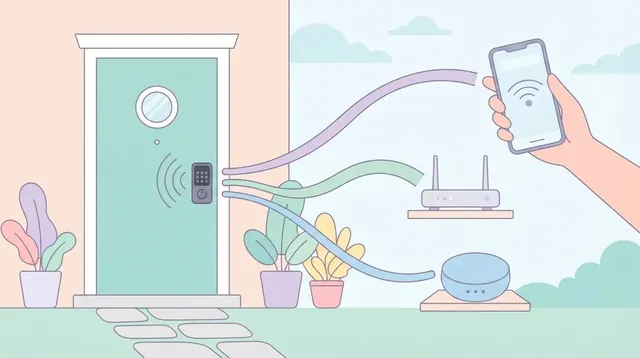
Govee lists Apple Home, Amazon Alexa, Google Home and Samsung SmartThings as supported platforms. It also notes that you need a hardware hub to control devices when you are away from home. Our guides for Apple Home, Google Home and Alexa walk through the steps.
Gotchas Govee mentions
- Order matters. If you want both Matter and the Govee app's Wi-Fi features, Govee says to connect to Matter first.
- Changing Wi-Fi breaks Matter. Switching networks in the Govee Home app disables Matter. You then reset the light and pair it again.
- A second platform needs a new code. To share one light with two platforms, you generate a new 11-digit setup code.
- Cross-brand automations only work when the other brand's devices also support Matter.
Matter or the Govee app?
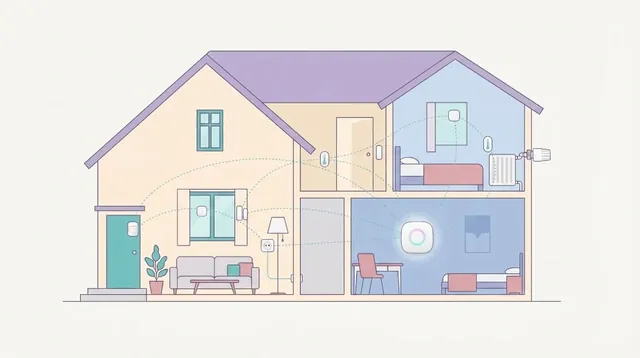
You don't have to choose one. The Govee Home app is still where you find music sync, scenes and effects. Matter adds your light to the same app as your locks, plugs and sensors, so one routine can turn on the porch lights and lock the door together. Matter control also runs through your platform's hub, which Govee notes is needed for control away from home. If you only own Govee lights and love the effects, the Govee app alone may be all you need.
Govee vs other Matter lighting
Govee's strength is decorative lighting: strips, floor lamps and permanent outdoor lights. If you mainly want bulbs that join Matter, other brands may cover more of their range. Our Matter smart bulb picks and Philips Hue vs LIFX vs Nanoleaf compare the main options.
Which should you choose?
- Buy a Matter-labeled Govee product if you want it in Apple Home, Google Home, Alexa or SmartThings next to other brands.
- Keep using the Govee app for older Govee lights. They won't gain Matter.
- Use both if you want simple control in your main app and effects in Govee's app. Pair Matter first.
- Check your router for IPv6 and 2.4 GHz support before you buy.
For subscription costs across smart home and AI tools, see our price table.
FAQ
Do all Govee lights work with Matter?
No. Govee says earlier products can't support Matter because of a hardware limitation. Only products labeled for Matter on Govee's site work with it.
Does Govee Matter use Thread?
No. Govee's Matter FAQ says its Matter support is based on Wi-Fi.
Can I use Govee scenes through Matter?
Govee lists only on/off, brightness, color temperature and color as Matter features today. Use the Govee Home app for scenes and effects.
Why won't my Govee light pair with Matter?
Govee lists IPv6, a 2.4 GHz network, Bluetooth on, and setup within 15 minutes of first power-on. If you changed Wi-Fi in the Govee app, reset the light and pair again.
Sources
- Govee Matter FAQ (checked November 12, 2026)
- Govee US store, all products (checked November 12, 2026)